

Welcome to Quotestack
Last updated: Feb 2026
Estimated time to complete: 5 min.
Applies to: Air Conditioning Engineers
Introduction to Quotestack
An introduction to Quotestack: What it does, who it's for, and how to get the most out of the platform.
Welcome to Quotestack - the quoting platform built specifically for air conditioning installers. Whether you're a sole trader or running a growing team, Quotestack helps you create professional, accurate quotes in minutes instead of hours.
What is Quotestack?
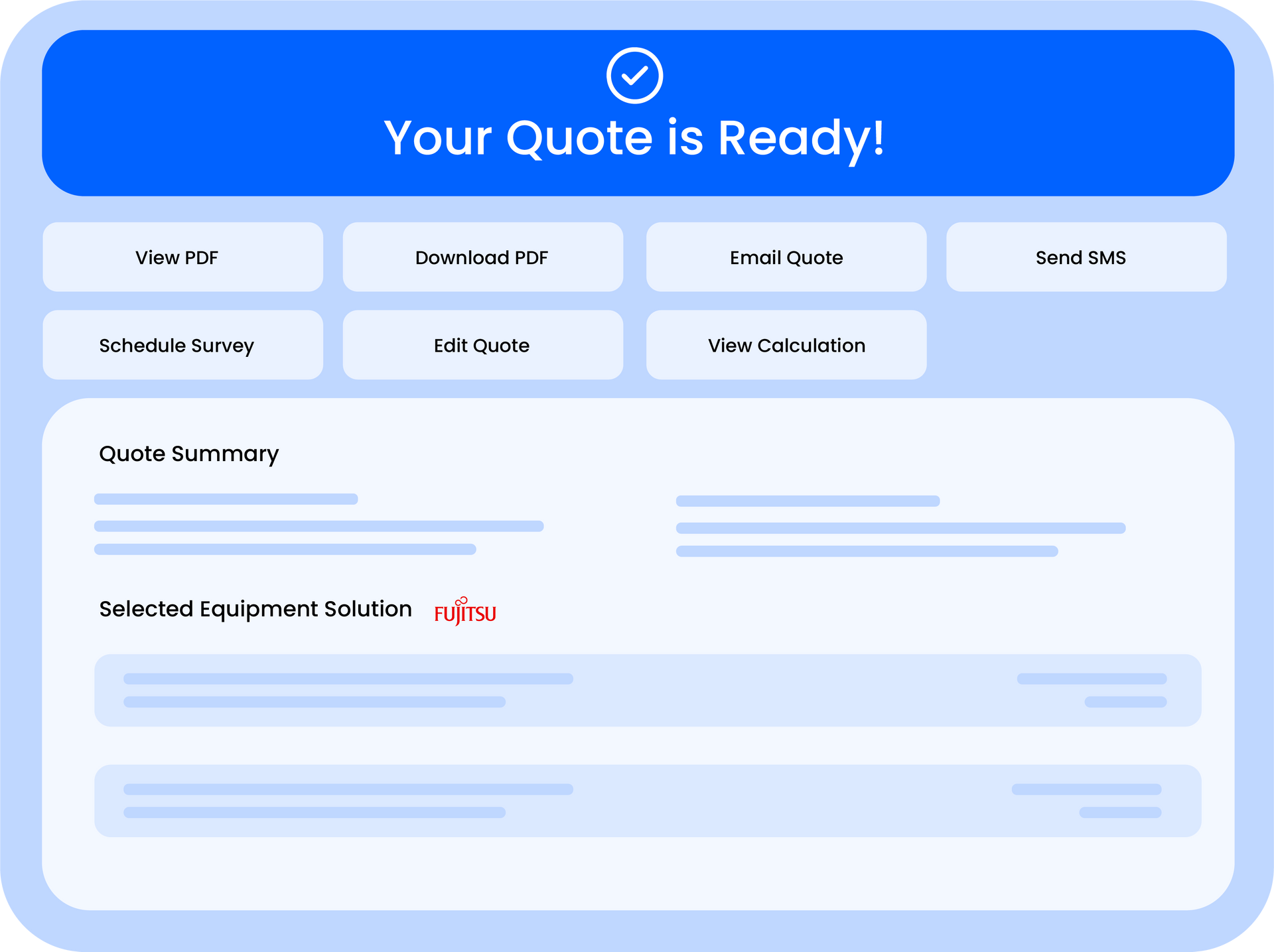
Quotestack is an all-in-one platform that handles the entire quoting process for HVAC professionals. From calculating cooling loads and selecting equipment to generating branded PDFs and tracking customer follow-ups. Everything lives in one place.
Key Features
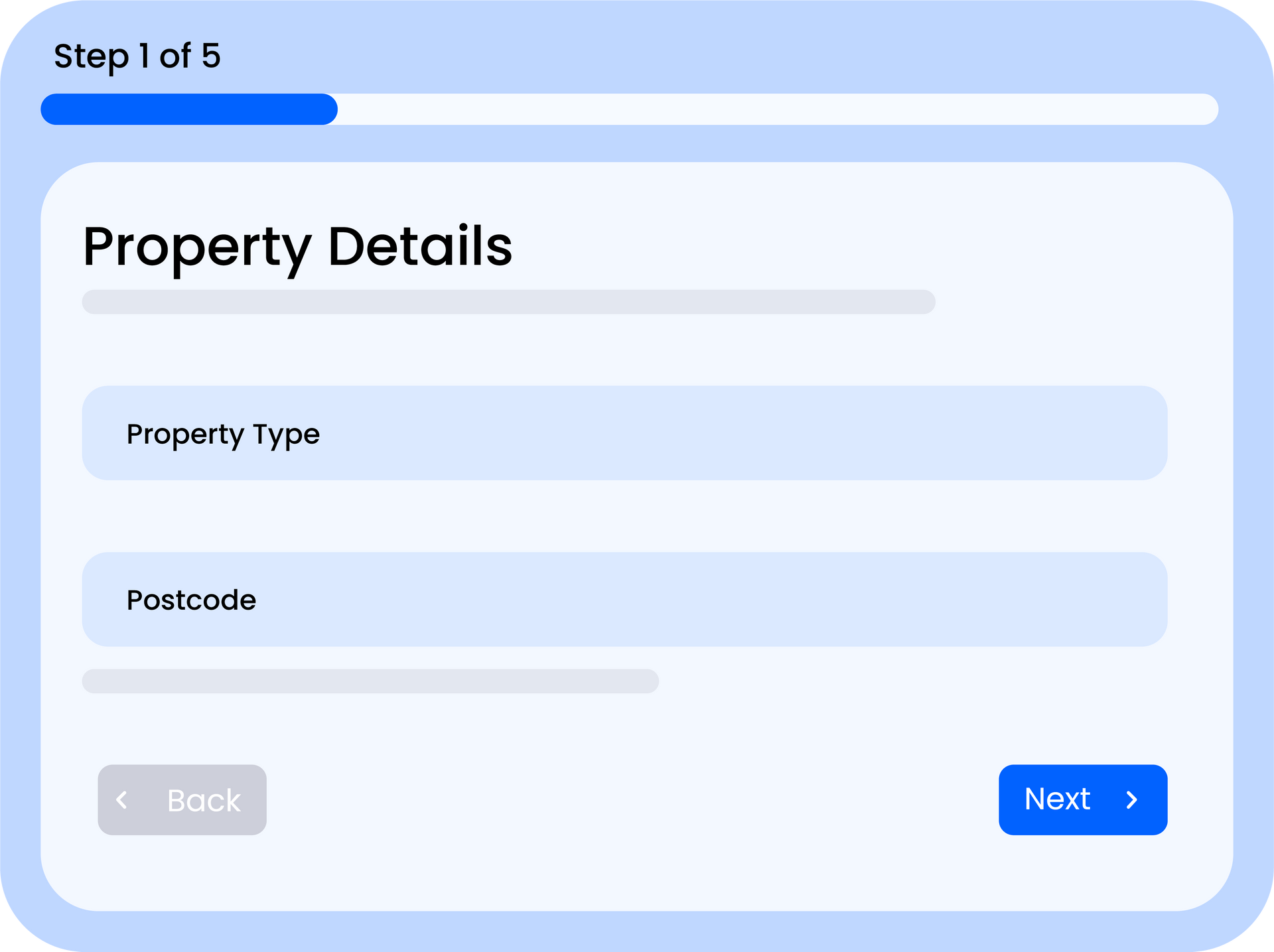
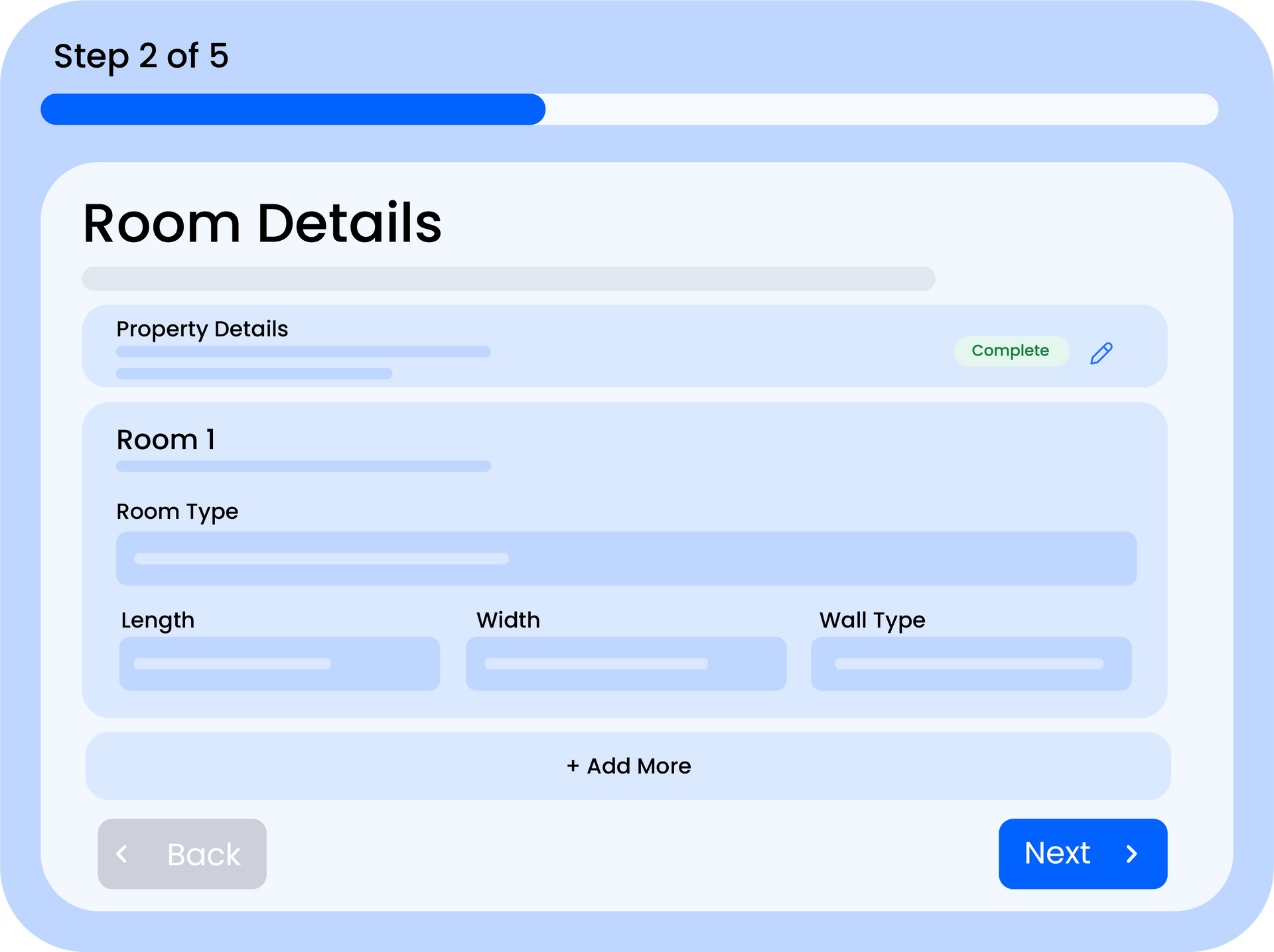
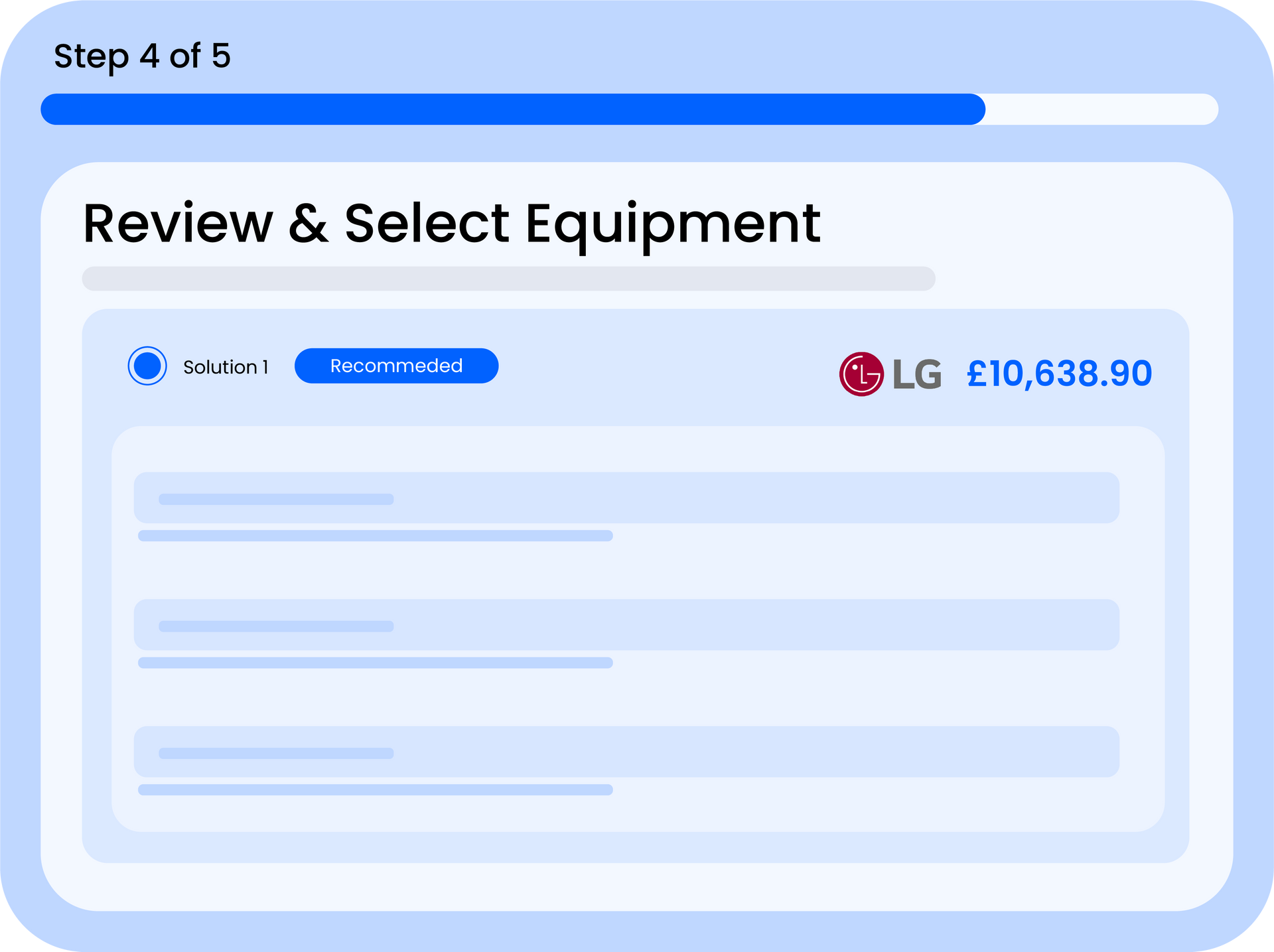
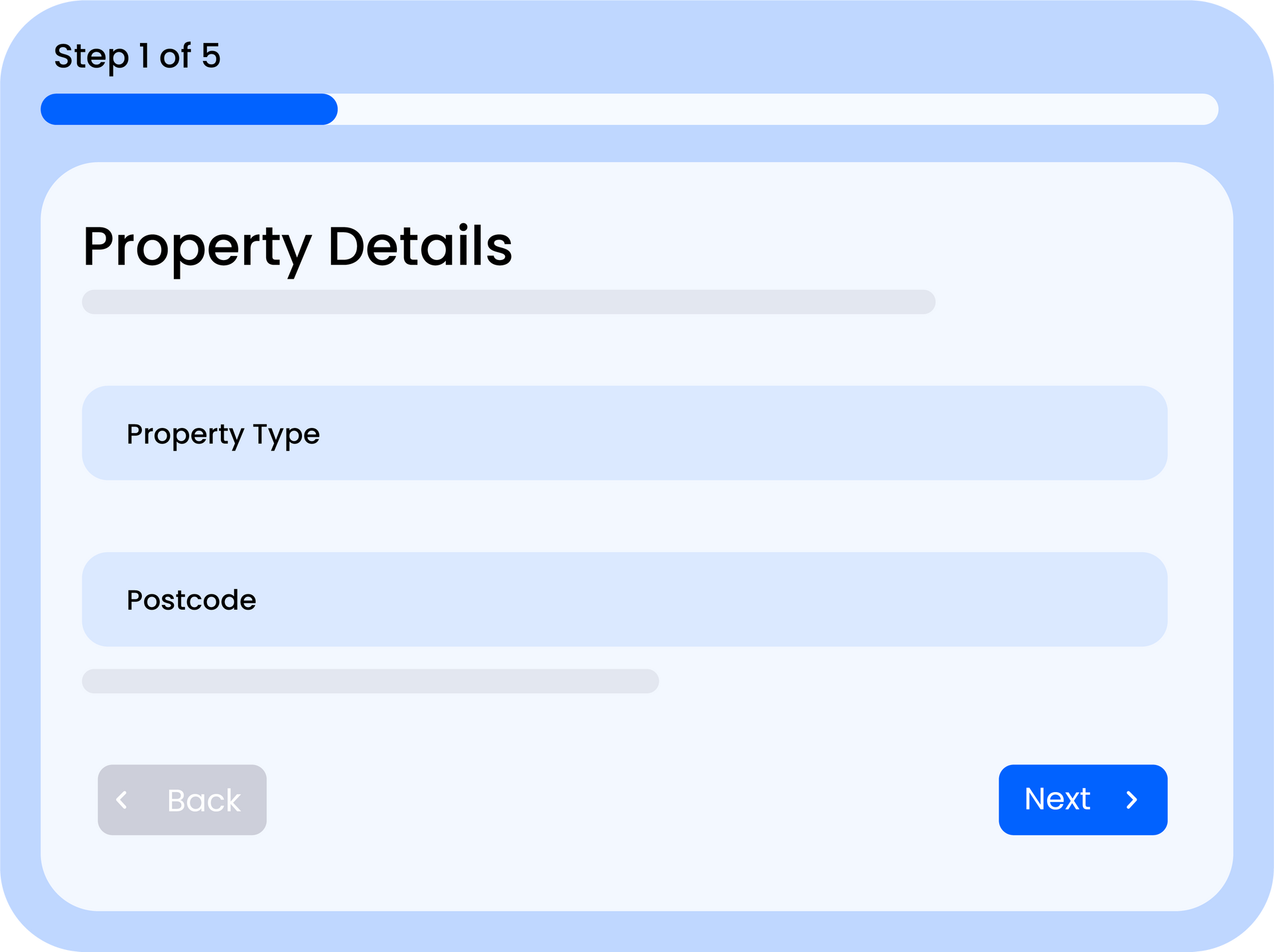
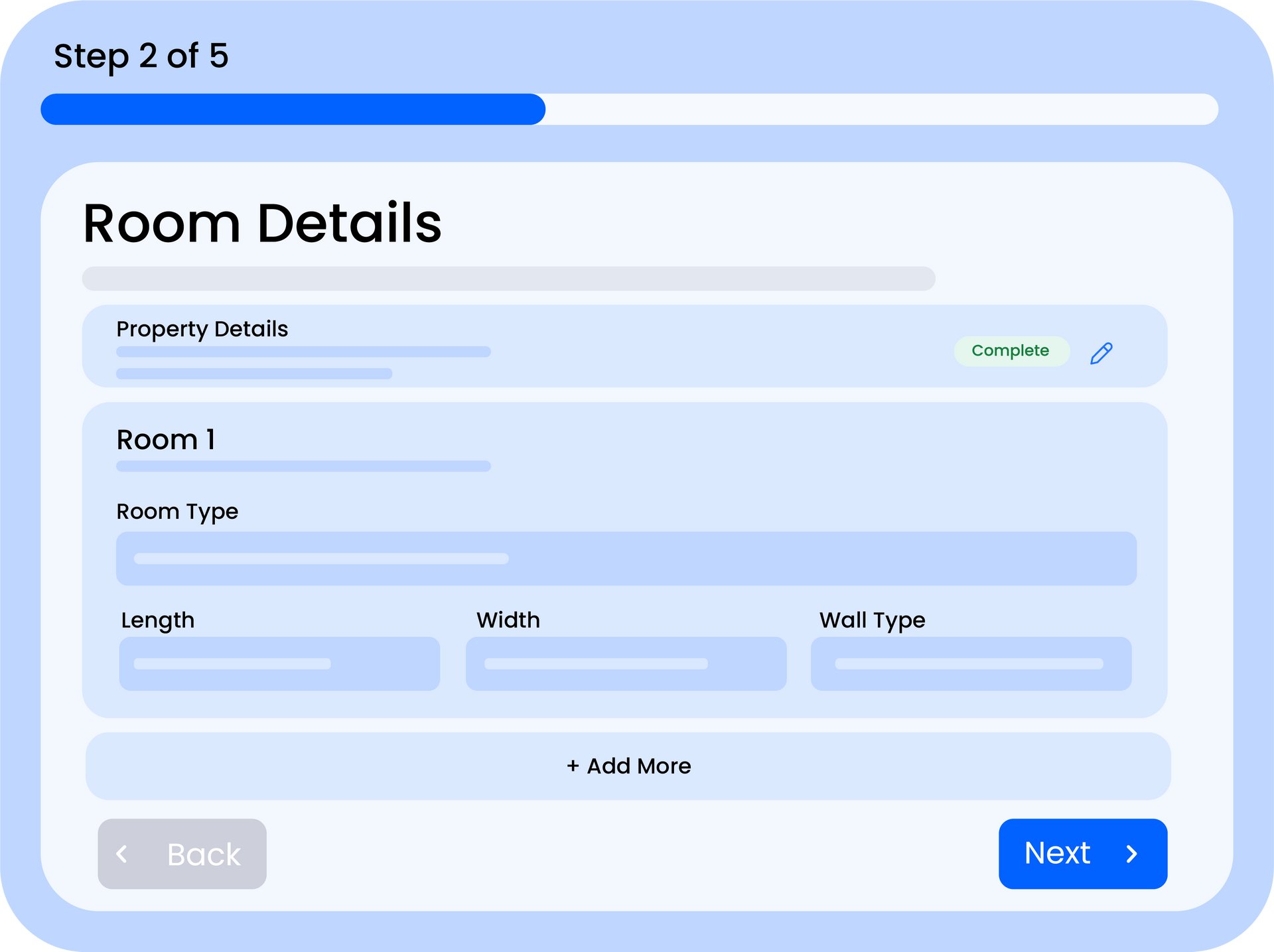
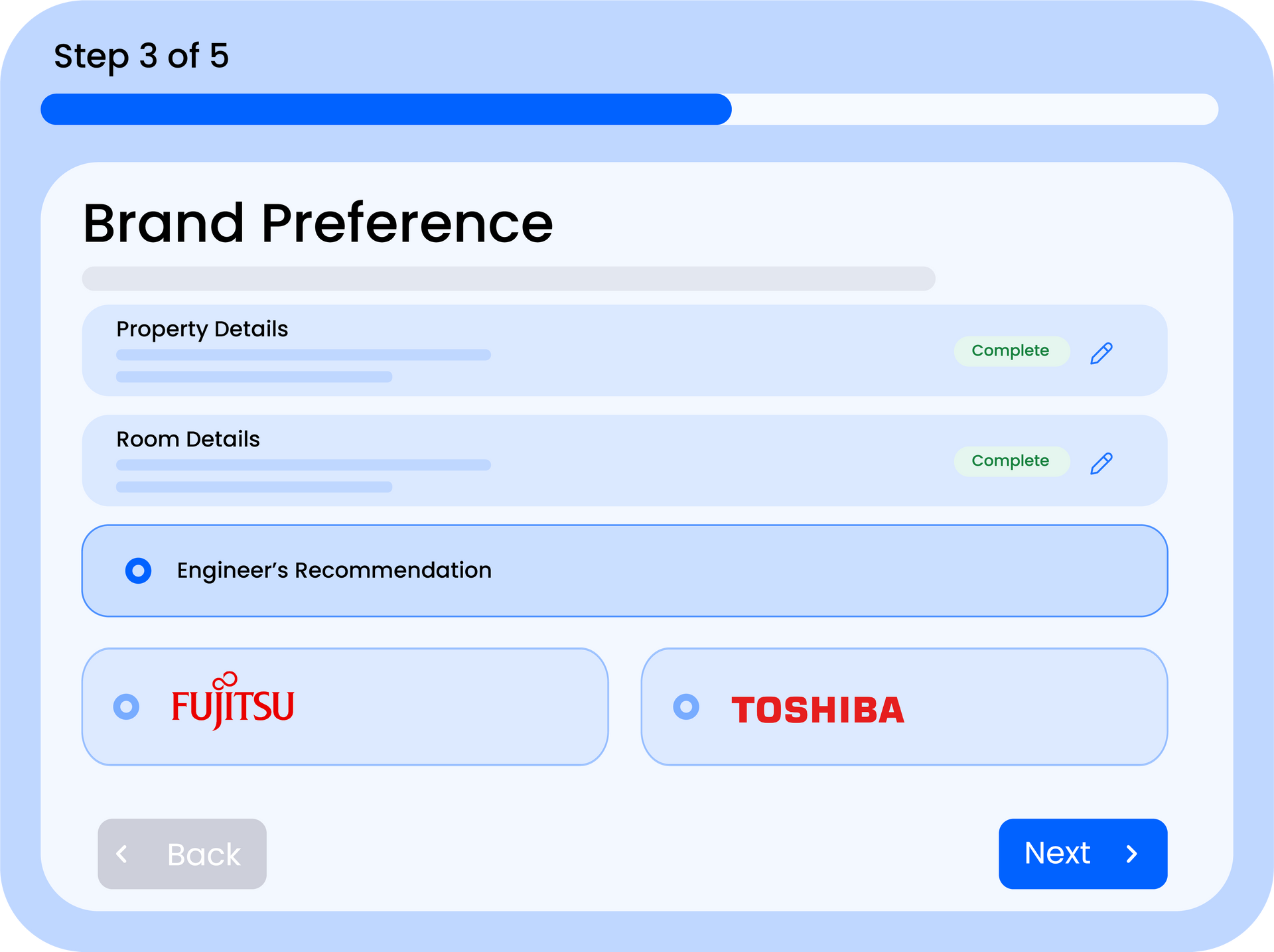
- Smart Quote Builder - enter room dimensions and let the system calculate cooling requirements and select the right equipment automatically
- Equipment Catalogue - manage your indoor and outdoor units, brands, and compatibility rules in one central database
- Branded PDF Quotes - generate professional, branded quotes your customers can download or receive by email
- Customer Management - keep track of all your customers, their quotes, and communication history
- Automated Follow-Ups - set up email sequences that automatically chase quotes at the right time
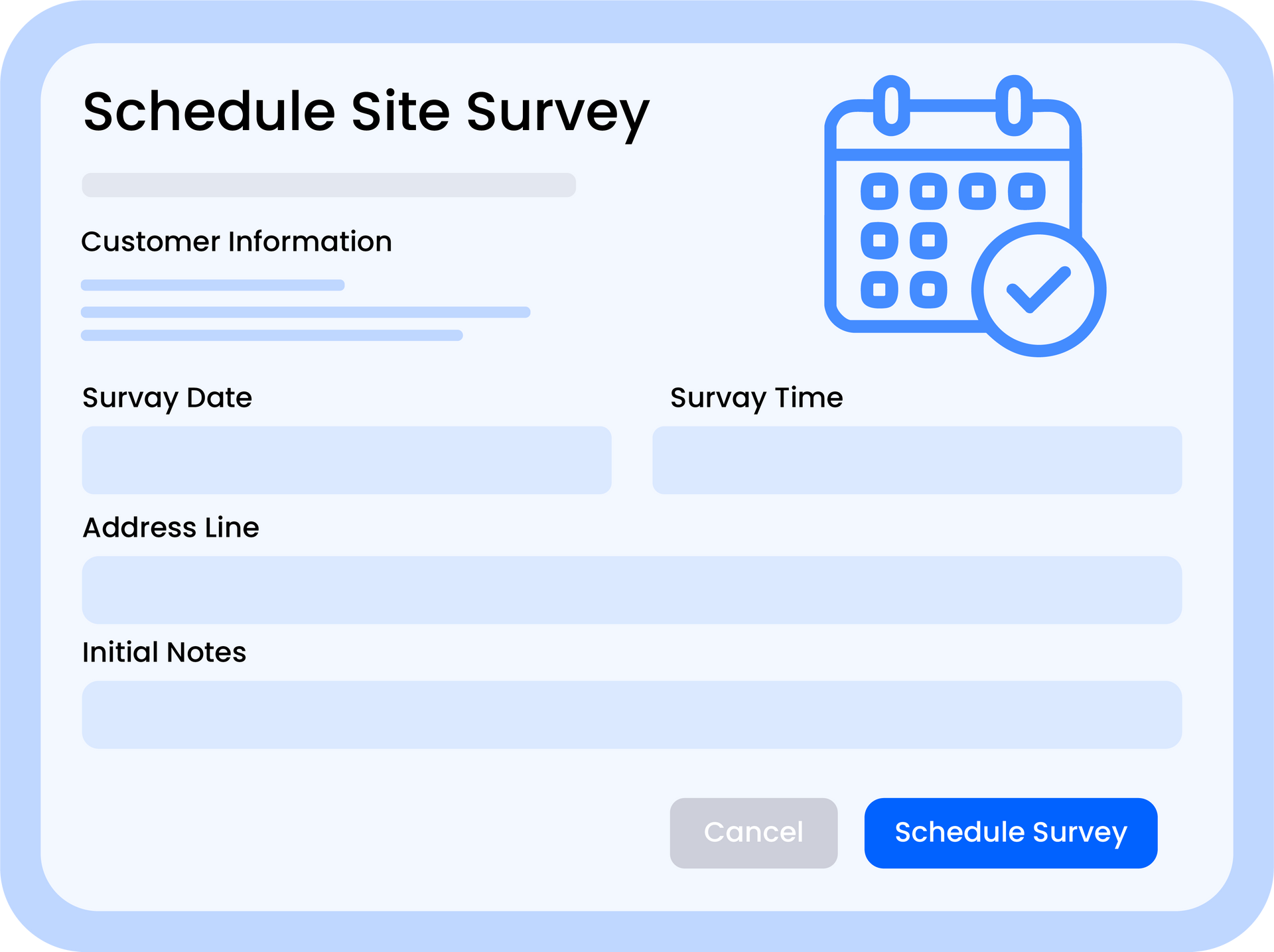
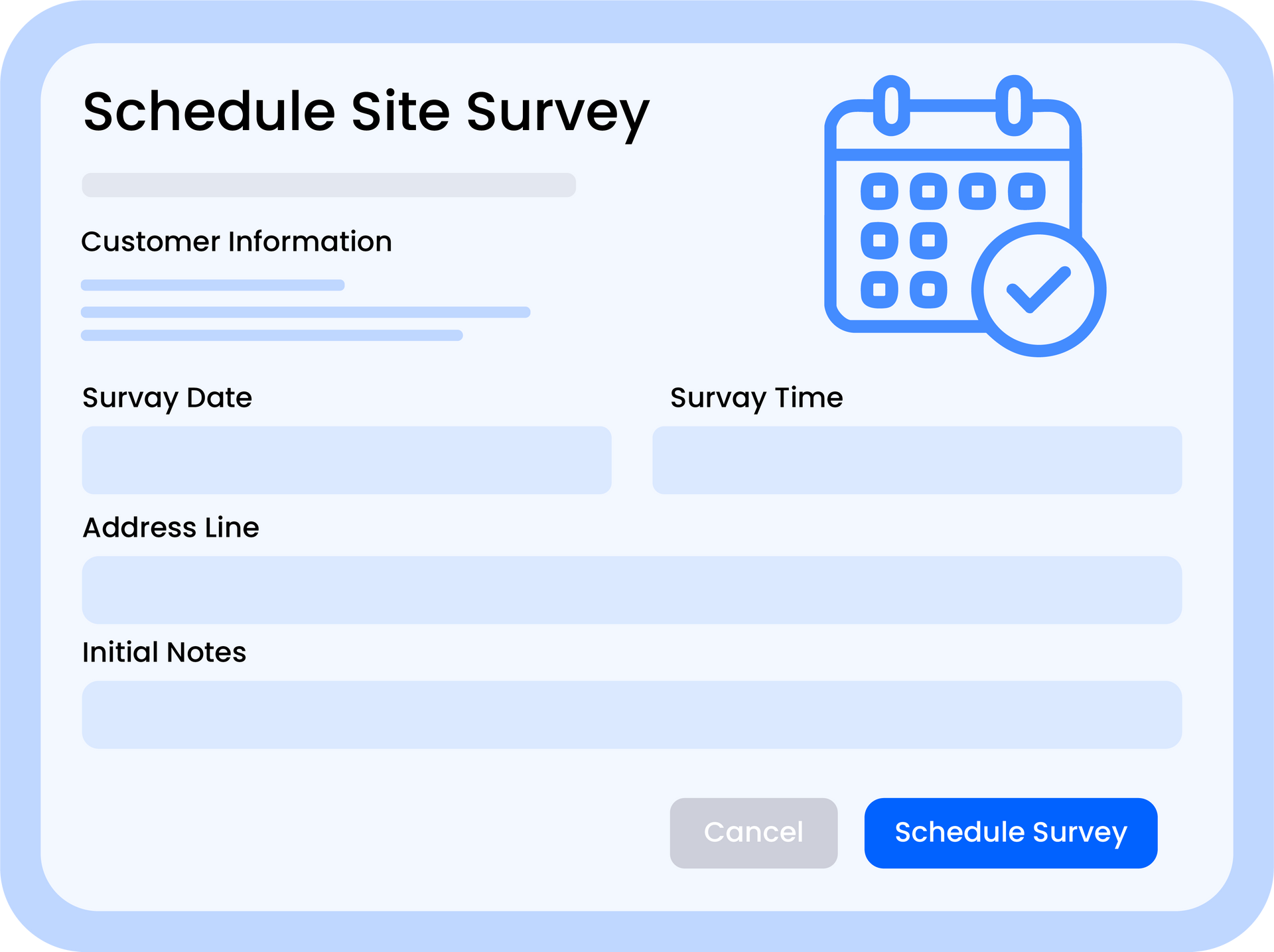
- Site Survey Scheduling - book and manage site surveys directly from a quote
- Analytics Dashboard - track your quote pipeline, conversion rates, and revenue at a glance
- Team Collaboration - invite team members with different permission levels to work together
- Website Widget - embed a quote request form on your website to capture leads automatically
Getting Started
To get the most out of Quotestack, we recommend setting things up in this order:
Step 1. Set Up Your Company Profile
Add your company name, logo, contact details, and branding colours. This information appears on every quote you send, so it's worth getting right from the start.
Step 2. Configure Your Equipment Catalogue
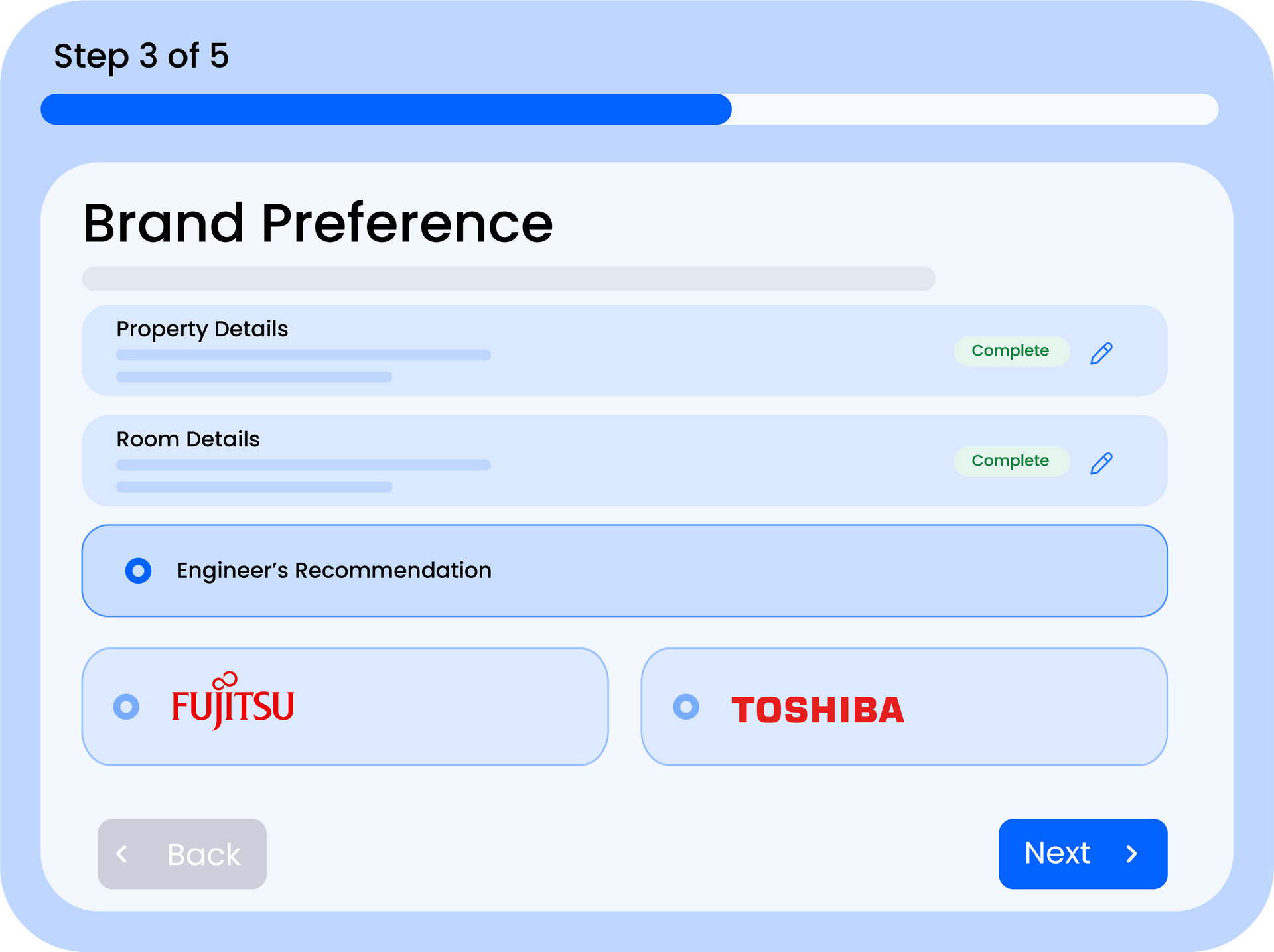
Import or manually add the indoor and outdoor units you work with. Set trade prices, compatibility rules, and brand preferences. The quote builder uses this data to auto-select equipment.
Step 3. Set Your Pricing
Configure your labour rates, material costs, margins, and any additional charges like electrician fees or parking. These settings feed into every quote automatically.
Step 4. Create Your First Quote
You're ready to go! Head to the Quote Form, enter the property details and rooms, and let Quotestack do the heavy lifting. Check out our "How to Create Your First Quote" guide for a full walkthrough.
Note
Use the Getting Started checklist on the Dashboard to track your setup progress. It highlights any steps you haven't completed yet.
Where to Find Help
- Help Centre - you're here! Browse articles by category or search for specific topics
- Contact Support - reach out to our team directly if you're stuck or have feedback
- Request a Feature - got an idea? Submit it and vote on features other users have suggested
We're constantly improving Quotestack based on feedback from installers like you. If something isn't working as expected or you'd like to see a new feature, don't hesitate to get in touch.
Did this answer your question?
😃
😐
😞
Great! We’re glad we could help.
Not quite what you needed? Discover more articles here
If you'd like you can ask our team