

Generating Reports
Last updated: Feb 2026
Estimated time to complete: 3 min.
Applies to: Air Conditioning Engineers
Summary
Export your quoting data and generate reports for accounting, business reviews, and performance tracking.
Quotestack provides reporting tools to help you extract and share your business data. Whether you need figures for your accountant, a performance summary for a business review, or raw data for your own analysis, reports can be generated directly from the platform.
Available Reports
You can generate reports from several areas of the platform:
Quote summary report - a list of all quotes with status, value, customer name, and dates
Revenue report - accepted quotes and their values, useful for revenue tracking and forecasting
Customer report - all customer records with contact details and quote history
Pipeline report - current pipeline snapshot showing quotes at each stage
Follow-up report - details of automated emails sent, opened, and clicked
Exporting Data
Step 1. Navigate to the Data Source
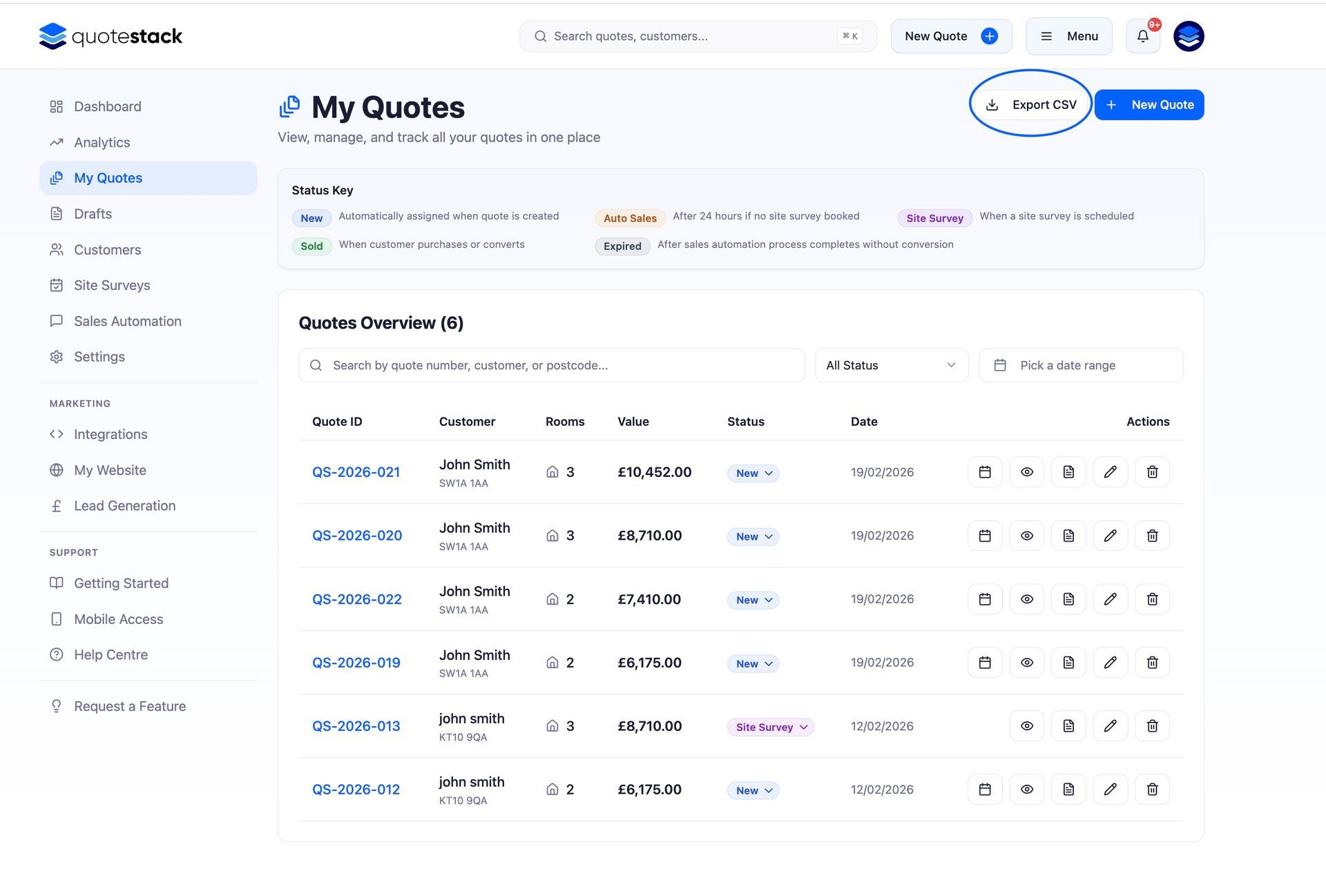
Go to the page containing the data you want to export - All Quotes, Customers, or Analytics.
Step 2. Apply Filters
Use the available filters to narrow down the data. For example, filter quotes by date range, status, or source. Only the filtered results will be included in the export.
Step 3. Export the Data
Click the Export or Download button. Data is exported as a CSV file that can be opened in Excel, Google Sheets, or any spreadsheet application.
Note
CSV exports include all visible columns. If you need specific columns only, open the file in a spreadsheet and delete the ones you don't need.
Quote PDF Reports
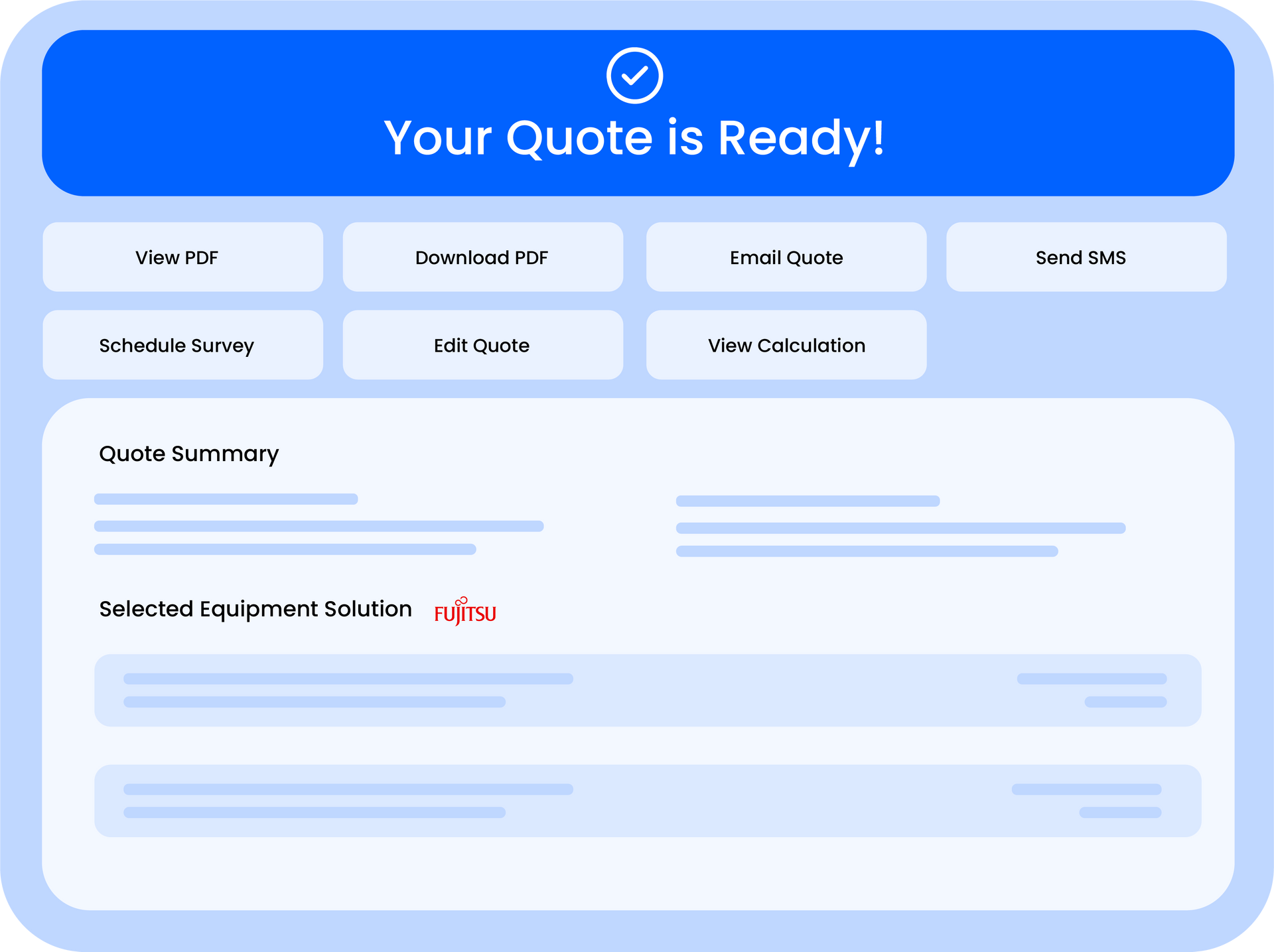
Individual quote PDFs can be downloaded from the Quote Summary page. If you need to generate PDFs for multiple quotes, open each quote and download individually. Batch PDF export is on our feature roadmap.
Using Reports for Business Reviews
Regular reporting helps you understand business trends and make informed decisions. We recommend:
- Weekly - review pipeline status and follow-up activity to keep on top of active quotes
- Monthly - export revenue data and compare against targets. Review conversion rates and average quote values
- Quarterly - analyse trends across quote sources, property types, and customer segments. Use this data for pricing reviews
- Annually - generate a full-year summary for accounting, tax returns, and business planning
Sharing Reports with Your Team
Exported CSV files can be shared with team members, accountants, or business partners. The files contain raw data without any login credentials or sensitive system information, they're safe to share externally.
Warning
Reports contain customer contact details (names, emails, phone numbers). Handle exported files in line with your data protection obligations and don't share them unnecessarily.
Regular reporting turns your quoting data into actionable business intelligence. Even simple monthly exports can reveal trends that help you price more competitively and win more work.
Did this answer your question?
😃
😐
😞
Great! We’re glad we could help.
Not quite what you needed? Discover more articles here
If you'd like you can ask our team