

Quote Not Generating Correctly
Last updated: Feb 2026
Estimated time to complete: 5 min.
Applies to: Air Conditioning Engineers
Summary
Step-by-step diagnostic guide for when quotes show incorrect pricing, missing equipment, or unexpected results.
If a quote isn't generating as expected - wrong total, missing equipment, or no equipment selected at all, work through the checks below in order. Each step targets the most common causes, starting with the simplest fixes.
Step-by-Step Guide
Step 1. Check Your Equipment Catalogue
The quote builder selects equipment from your Equipment Catalogue. If the catalogue is empty or incomplete, the system can't generate a valid selection.
- Do you have indoor units added? Go to Equipment Catalogue and check the Indoor Units tab
- Do you have outdoor units added? Check the Outdoor Units tab
- Are the units marked as active? Inactive units are excluded from selection
- Do the units have trade prices set? Units with a £0 trade price may produce incorrect totals
Important
If your Equipment Catalogue is empty, the quote builder cannot select any equipment. Add at least one indoor unit, one outdoor unit, and one compatibility rule before creating quotes.
Step 2. Check Compatibility Rules
The system needs to know which indoor units work with which outdoor units. Without compatibility rules, it can't build a valid system.
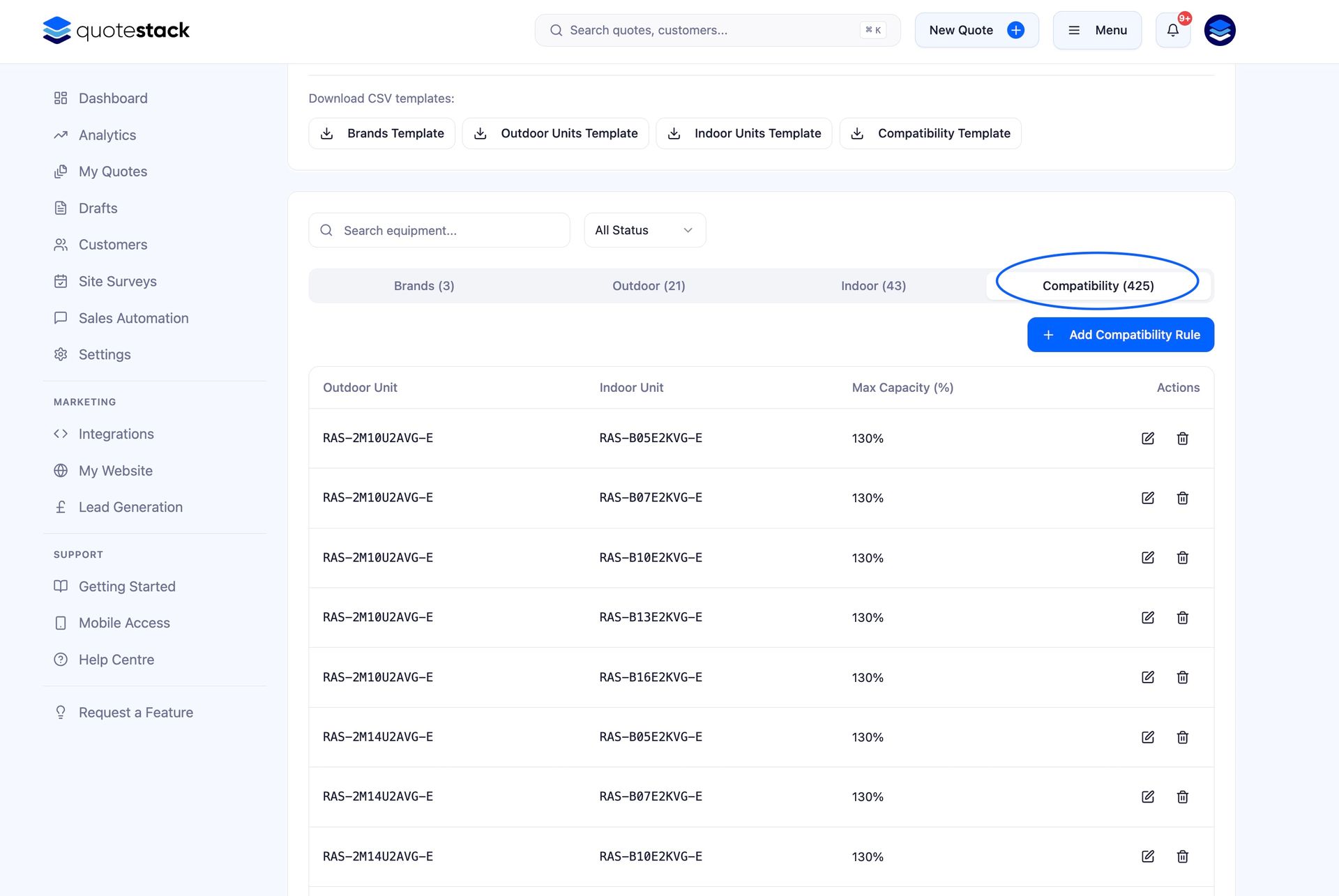
Go to Equipment Catalogue > Compatibility tab
Check that each indoor unit is linked to at least one outdoor unit
Verify the maximum connected capacity percentage is set correctly (typically 100–130%)
If you've recently added new units, make sure you've also added their compatibility entries
Warning
A common mistake is adding new equipment models but forgetting to set up their compatibility rules. The quote builder will skip any units that have no compatible pairings.
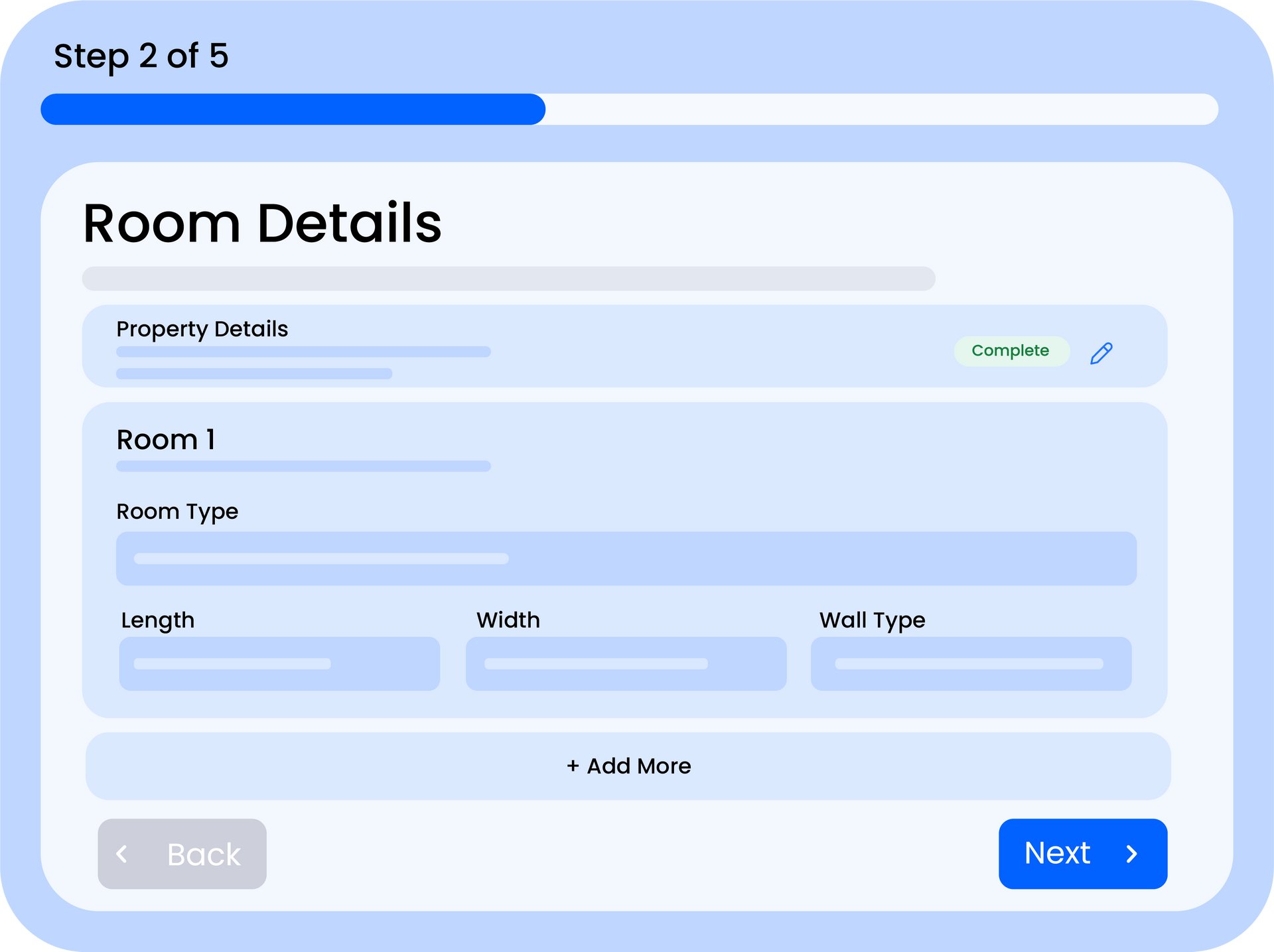
Step 3. Verify Room configuration
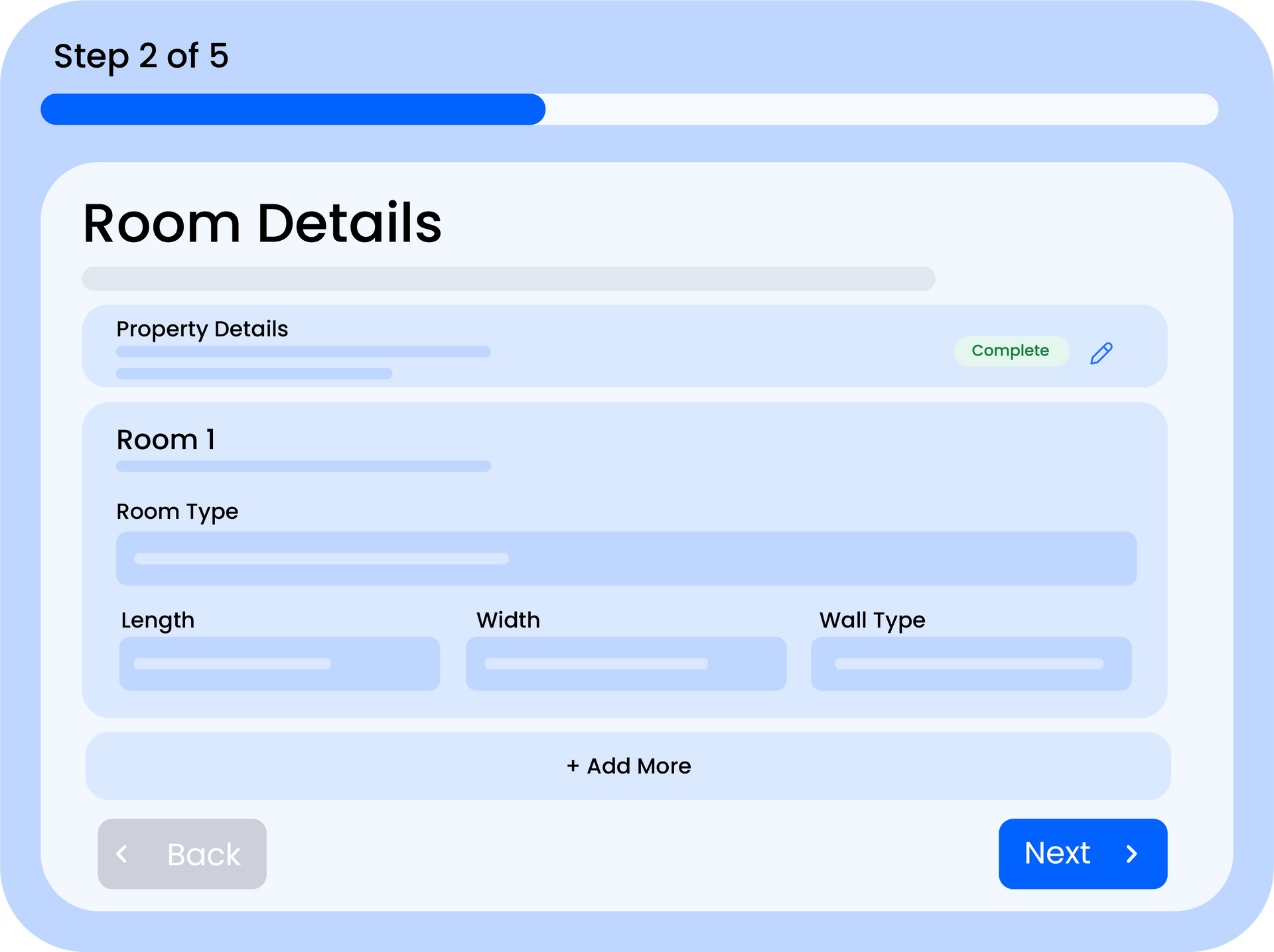
The cooling capacity required for each room is calculated from the room dimensions and type. Incorrect values here will produce incorrect equipment selections.
Check room dimensions are in metres (not centimetres or feet)
Verify the room type matches the actual space, different room types have different watts-per-square-metre calculations
Make sure at least one room has been added to the quote
Check that room dimensions are realistic — a 0.5m × 0.5m room will calculate very low cooling requirements
Note
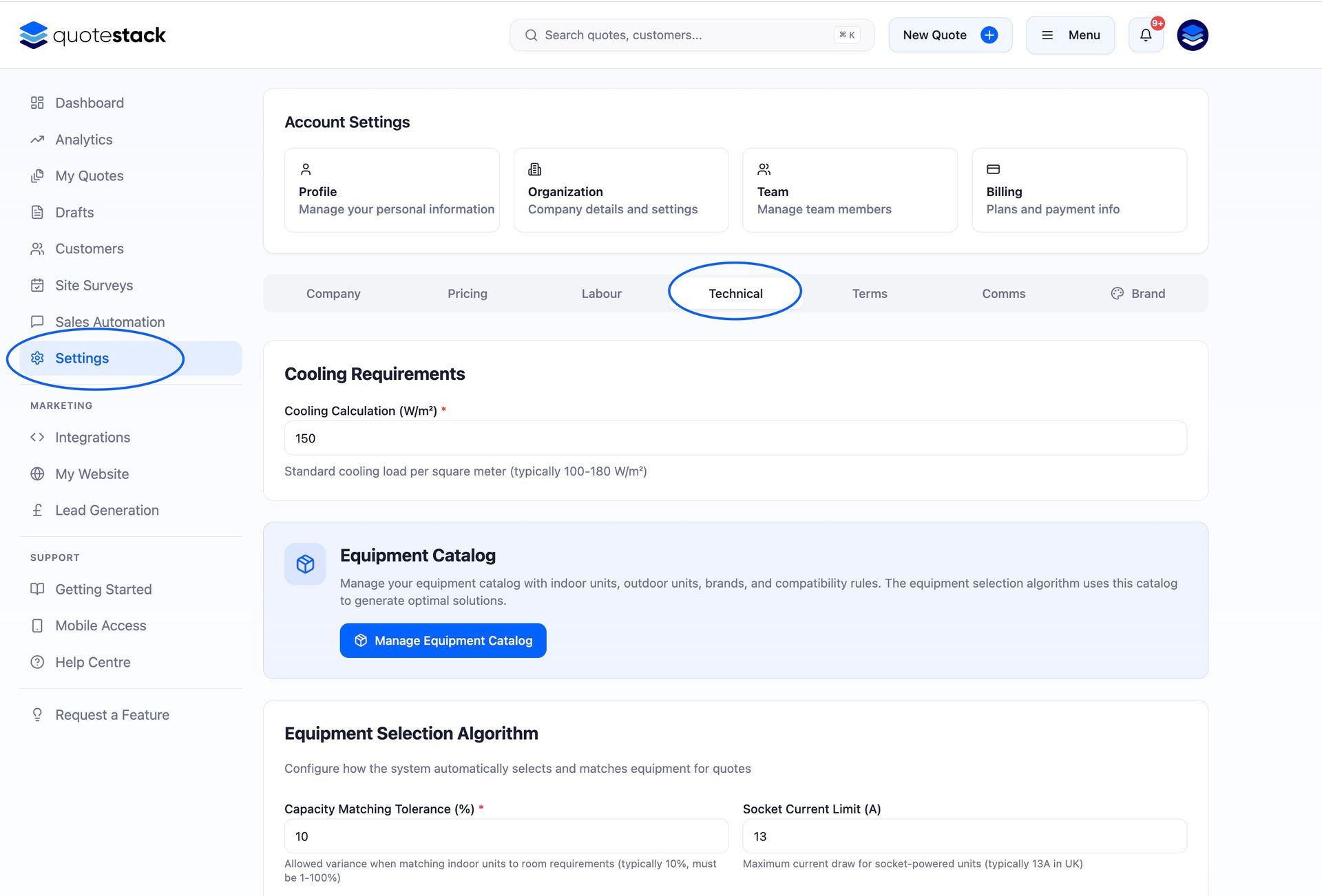
The watts-per-square-metre rate used for calculations is configured in your Settings. If all your quotes seem consistently over- or under-sized, check this value.
Step 4. Review Pricing Settings
If the equipment selection looks correct but the total price is wrong, the issue is likely in your pricing configuration.
- Labour rate - check your day rate or hourly rate is set correctly in Settings
- Equipment margin - if you've set a margin percentage, it's applied on top of trade prices
- Installation margin - a separate margin applied to labour costs
- Materials costs - check fixed materials, per-unit materials, brackets, consumables, and pipework rates
- Additional costs - electrician fees, parking charges, and contingency percentages all add to the total
- VAT rate - verify this matches your current VAT obligation
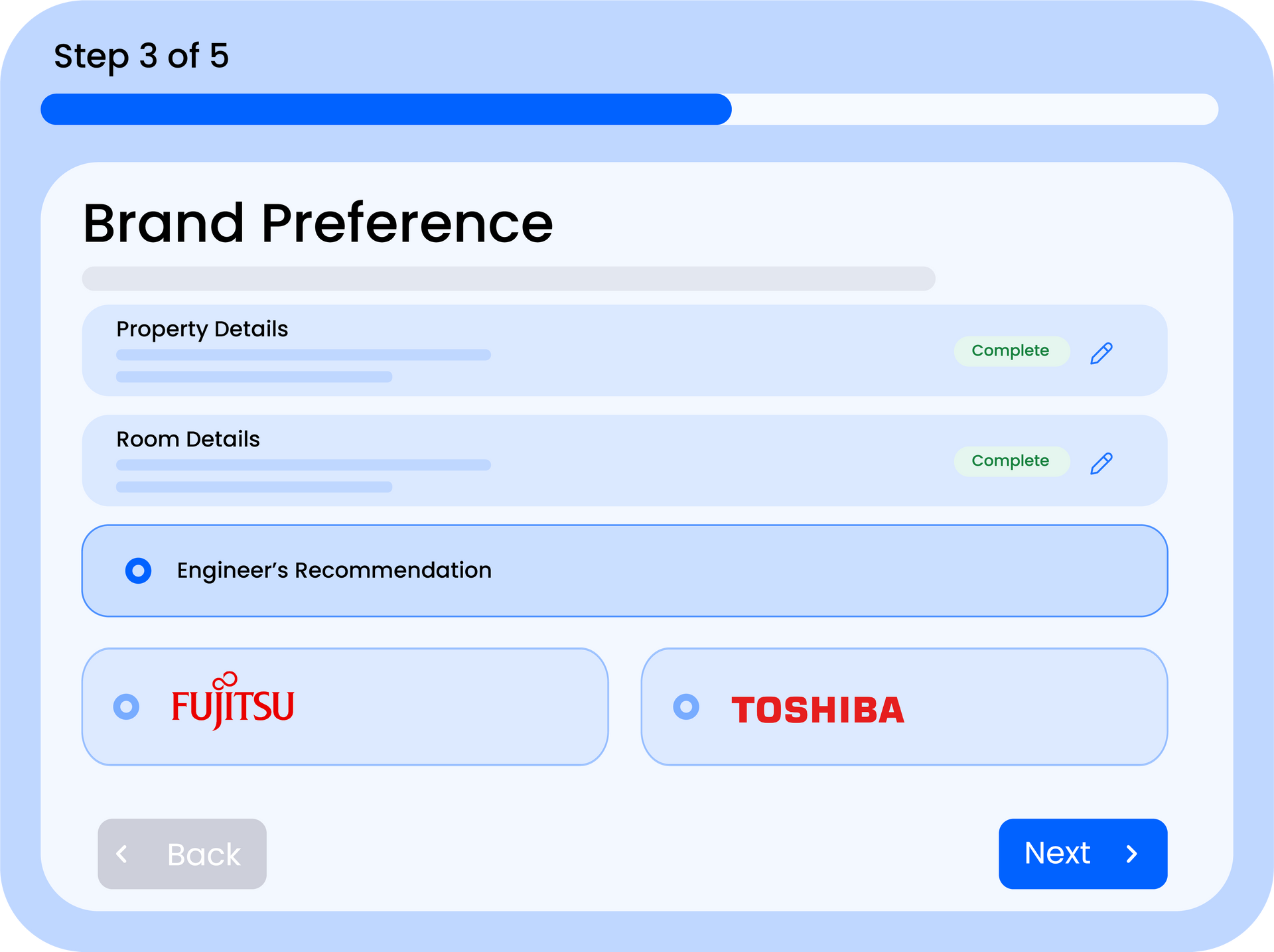
Step 5. Check Brand Preferences
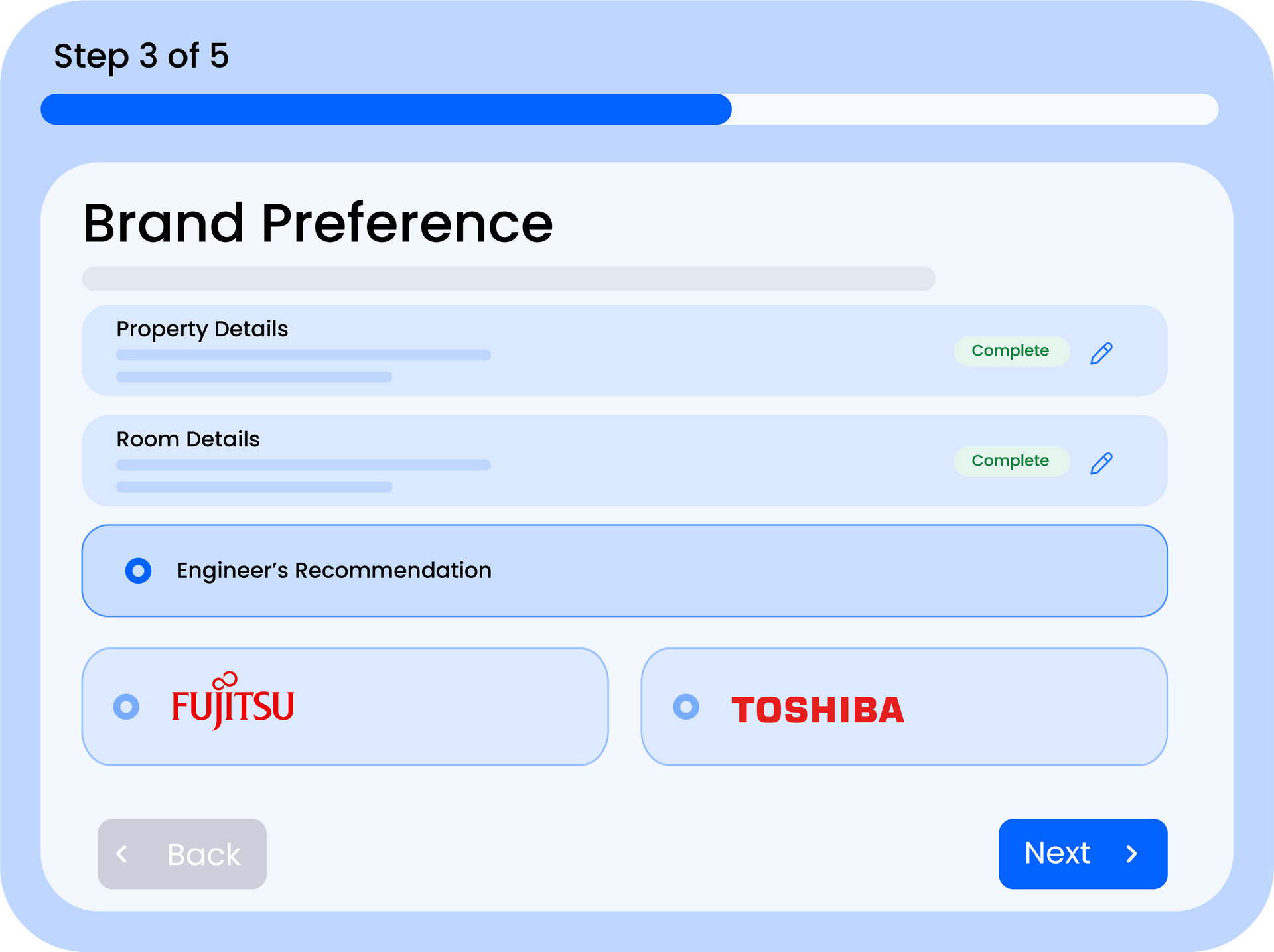
If you've selected a brand preference on the quote, the system will only choose equipment from that brand. This can cause issues if:
The selected brand has no compatible units for the required capacity
The brand's units are all marked as inactive
The brand has indoor units but no outdoor units (or vice versa)
Note
Try removing the brand preference and resubmitting the quote. If equipment is now selected, the issue is with the specific brand's catalogue entries.
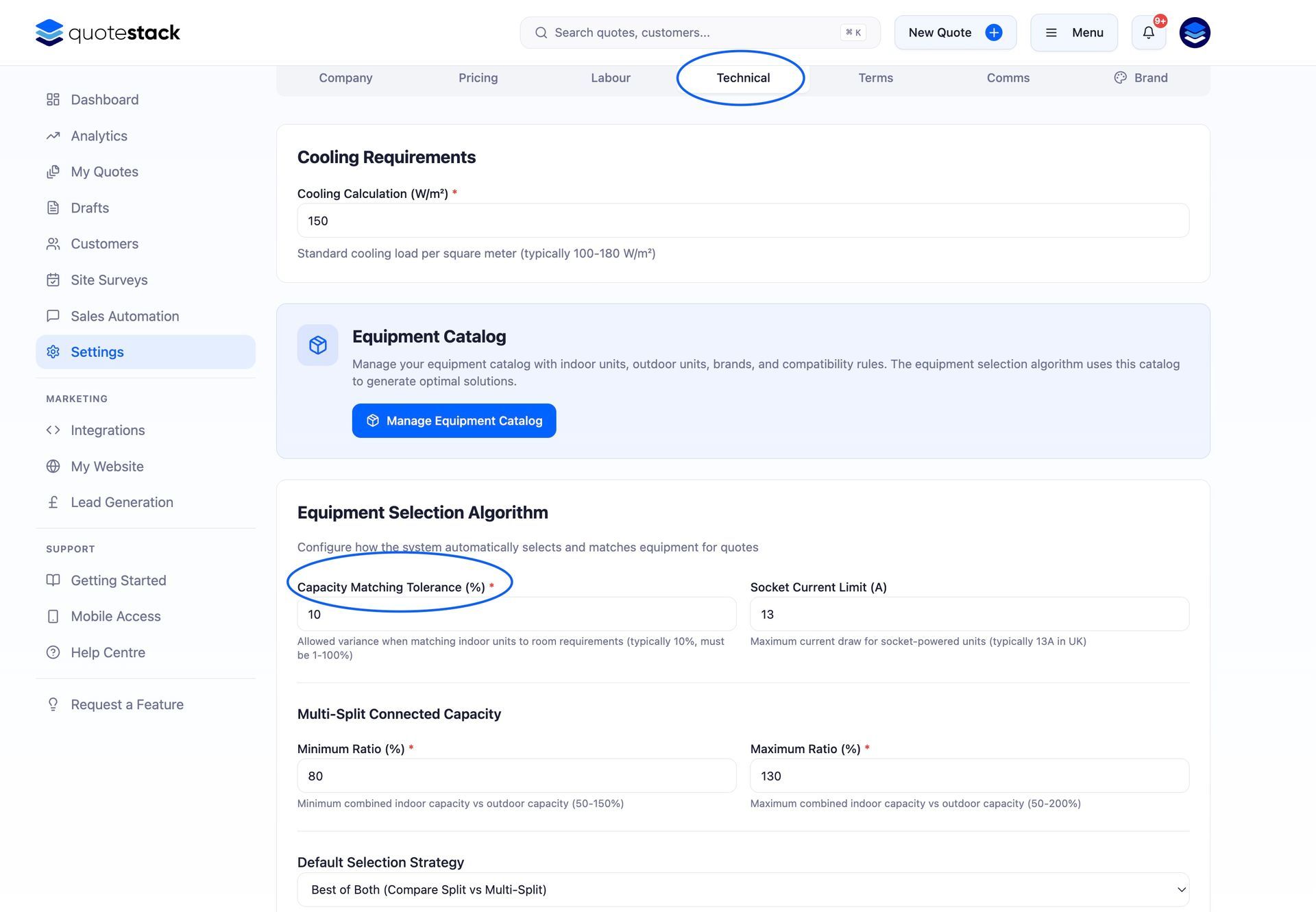
Step 6. Check Capability Tolerance Settings
Your settings include tolerance and connected capacity percentages that control how closely the selected equipment must match the calculated requirement. If these are set too tightly, the system may not find a valid combination.
Tolerance percentage - how much over or under the calculated capacity is acceptable (e.g. 10% means a 5kW requirement accepts 4.5–5.5kW units)
Connected capacity range - the minimum and maximum percentage of the outdoor unit's capacity that can be used by connected indoor units
Warning
Setting the tolerance too low (e.g. 0%) means only an exact capacity match is accepted, which may result in no valid equipment selection. A tolerance of 10–20% is recommended.
Still Not Working?
If you've checked all the above and the quote still isn't generating correctly:
- Try creating a simple test quote with one room and no brand preference to isolate the issue
- Check the Quick Fix Guide for other common problems
- Contact support with the quote number and a description of what you expected vs what you got — we can investigate from our end
Did this answer your question?
😃
😐
😞
Great! We’re glad we could help.
Not quite what you needed? Discover more articles here
If you'd like you can ask our team