

Quick Fix Guide
Last updated: Feb 2026
Estimated time to complete: 5 min.
Applies to: Air Conditioning Engineers
Summary
Fast solutions to the most common issues. Check here first before contacting support.
Running into a problem? This guide covers the most common issues and their solutions. Work through the relevant section below to get back on track quickly.
Quote Not Calculating Correctly
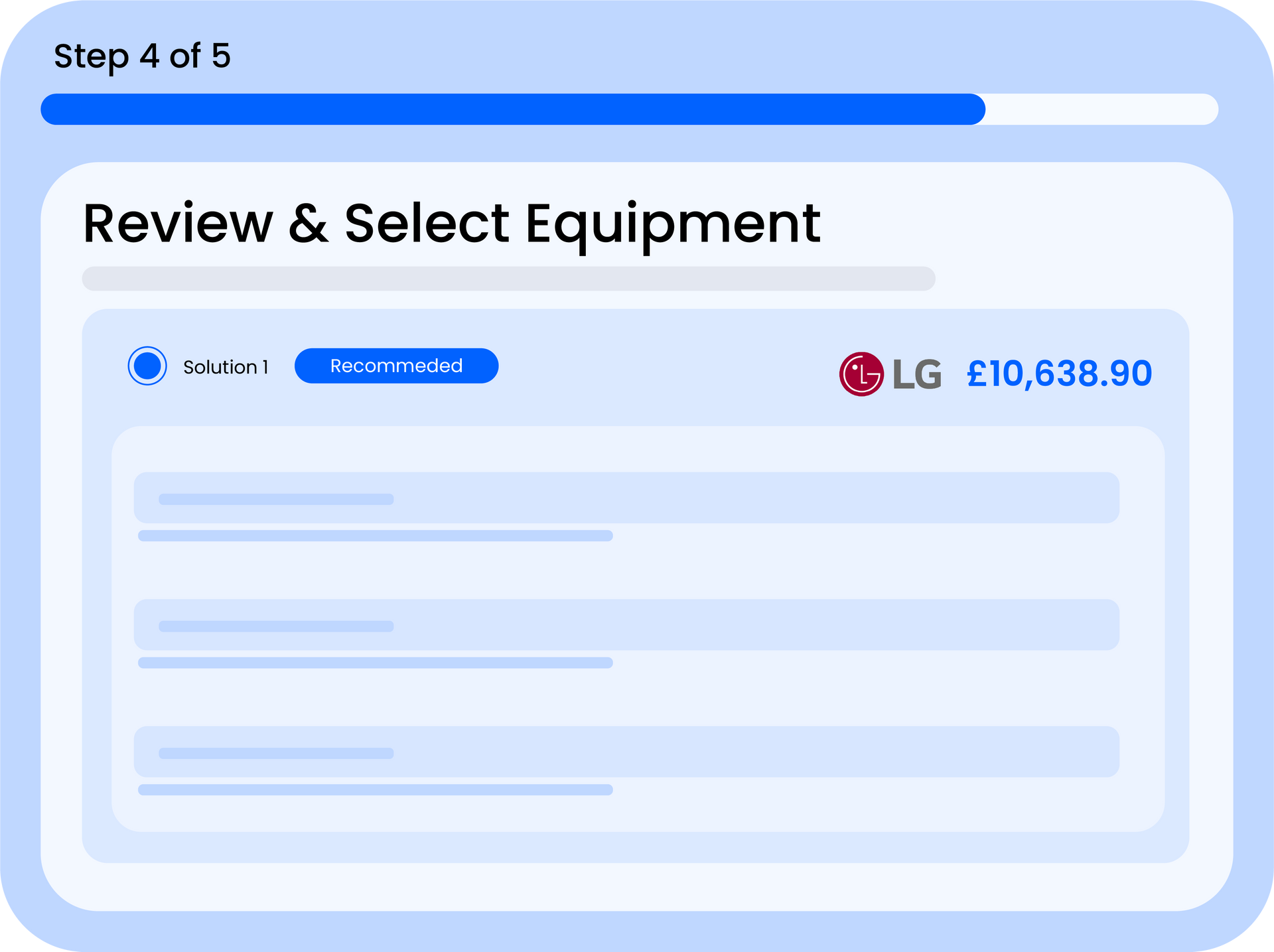
If the quote total looks wrong or equipment isn't being selected, check these common causes:
- Equipment Catalogue is empty - the system can't select units if none are configured. Go to Equipment Catalogue and add your indoor and outdoor units
- Pricing settings not configured - labour rates, material costs, and margins all default to zero. Check Settings to ensure your pricing is set up
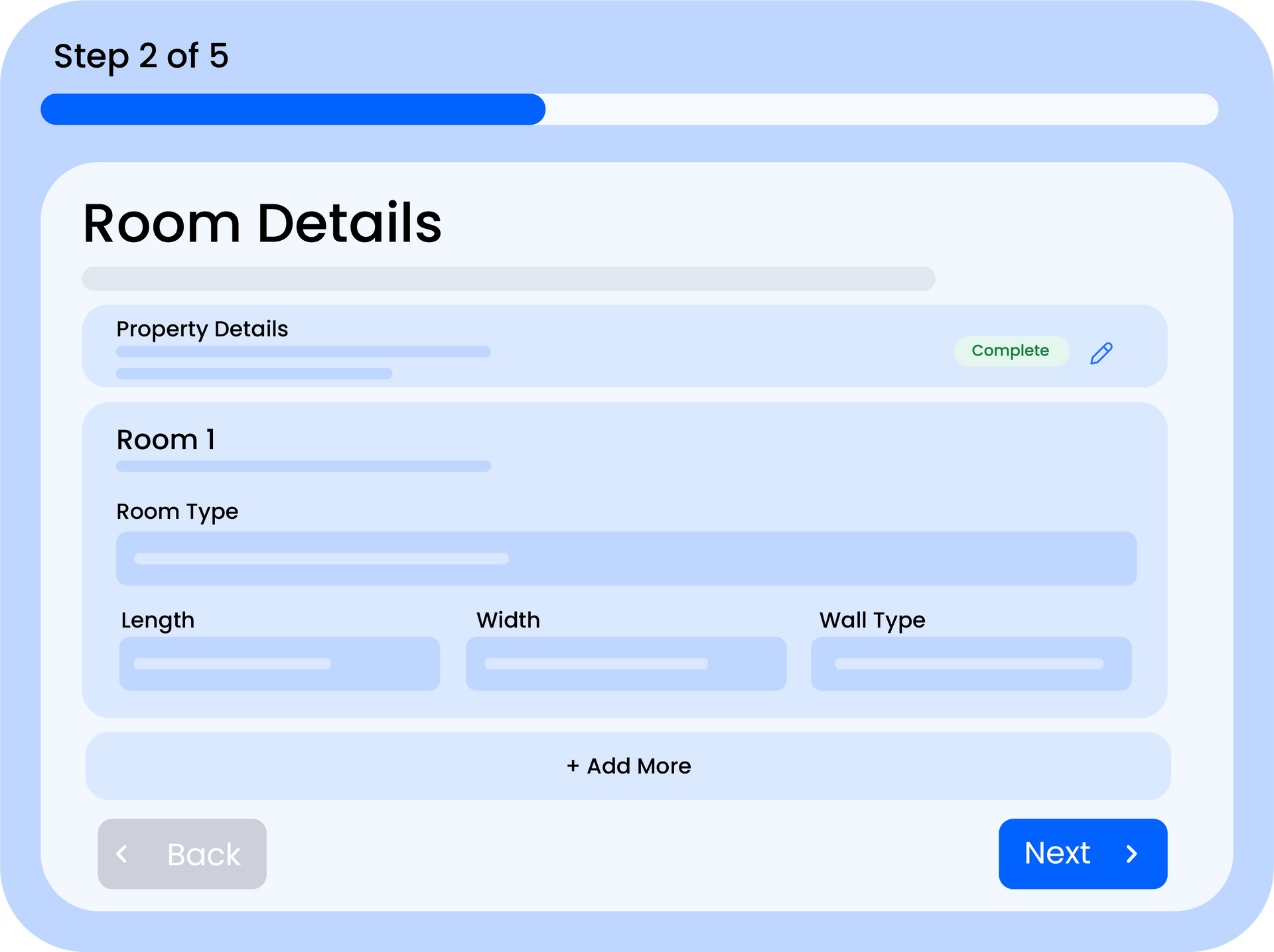
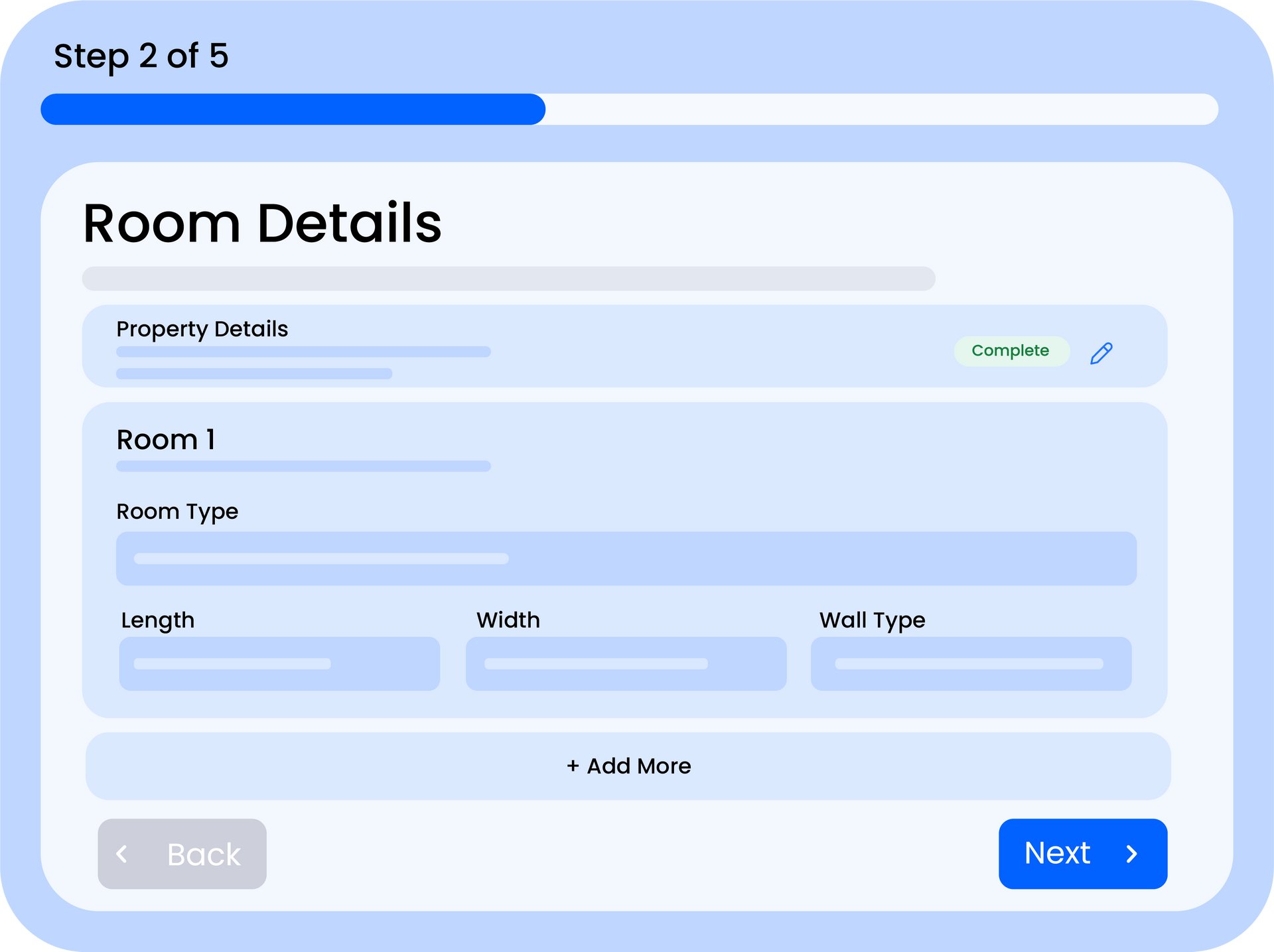
- Room dimensions are incorrect - double-check the length, width, and height values. Very small or very large dimensions can produce unexpected results
- Compatibility rules missing - if indoor and outdoor units aren't linked in the compatibility table, the system can't build a valid system
Note
The most common cause of "no equipment selected" is an empty or incomplete Equipment Catalogue. Start there first.
PDF Won't Download or Looks Wrong
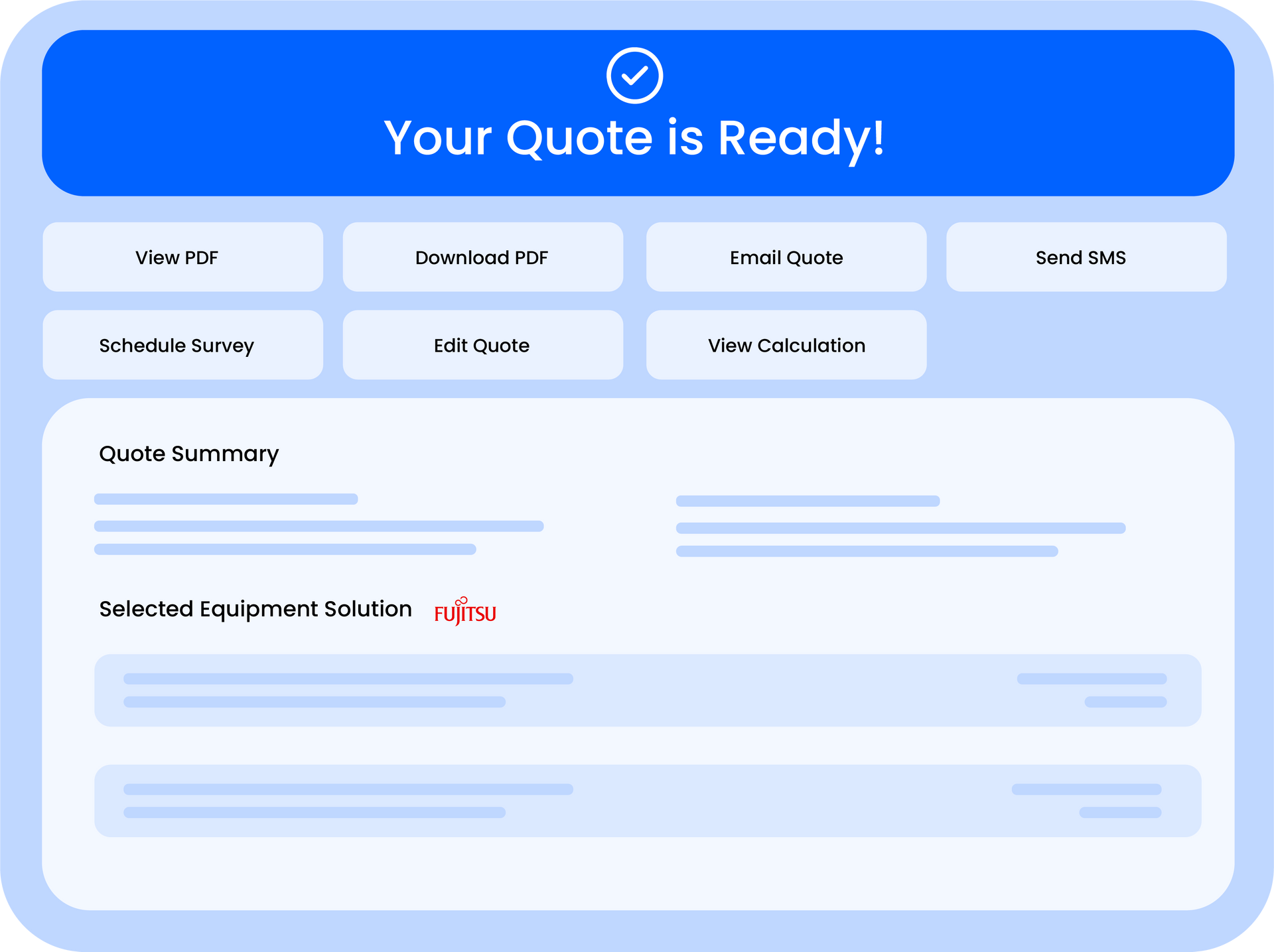
- Pop-up blocker - some browsers block the PDF download window. Check your browser's pop-up settings and allow downloads from Quotestack
- Missing logo - if your logo doesn't appear on the PDF, re-upload it in Settings > Branding. Use a PNG or JPG file under 2MB
- Colours look different - PDF rendering can vary slightly from screen colours. Use the PDF Preview to check before sending
- Content cut off - very long installation includes or important notes lists may push content to a second page. Keep entries concise
Can't Log In
- Check your email address - make sure you're using the same email you signed up with (it's case-sensitive)
- Password reset - use the "Forgot Password" link on the login page to receive a reset email
- Check your spam folder - password reset and magic link emails sometimes end up in spam or junk folders
- Browser cache - try clearing your browser cache or opening Quotestack in an incognito/private window
Warning
If you've tried resetting your password and still can't log in, contact support — your account may need manual verification.
Emails Not Sending
- Check your email settings - make sure your "From" email address and name are configured in Settings
- Customer email invalid - verify the customer's email address is correct and properly formatted
- Rate limiting - if you've sent a large number of emails in a short period, there may be a brief cooldown. Wait a few minutes and try again
- Check email logs - go to the Customer Profile to see if the email was sent but not delivered
Site Survey Issues
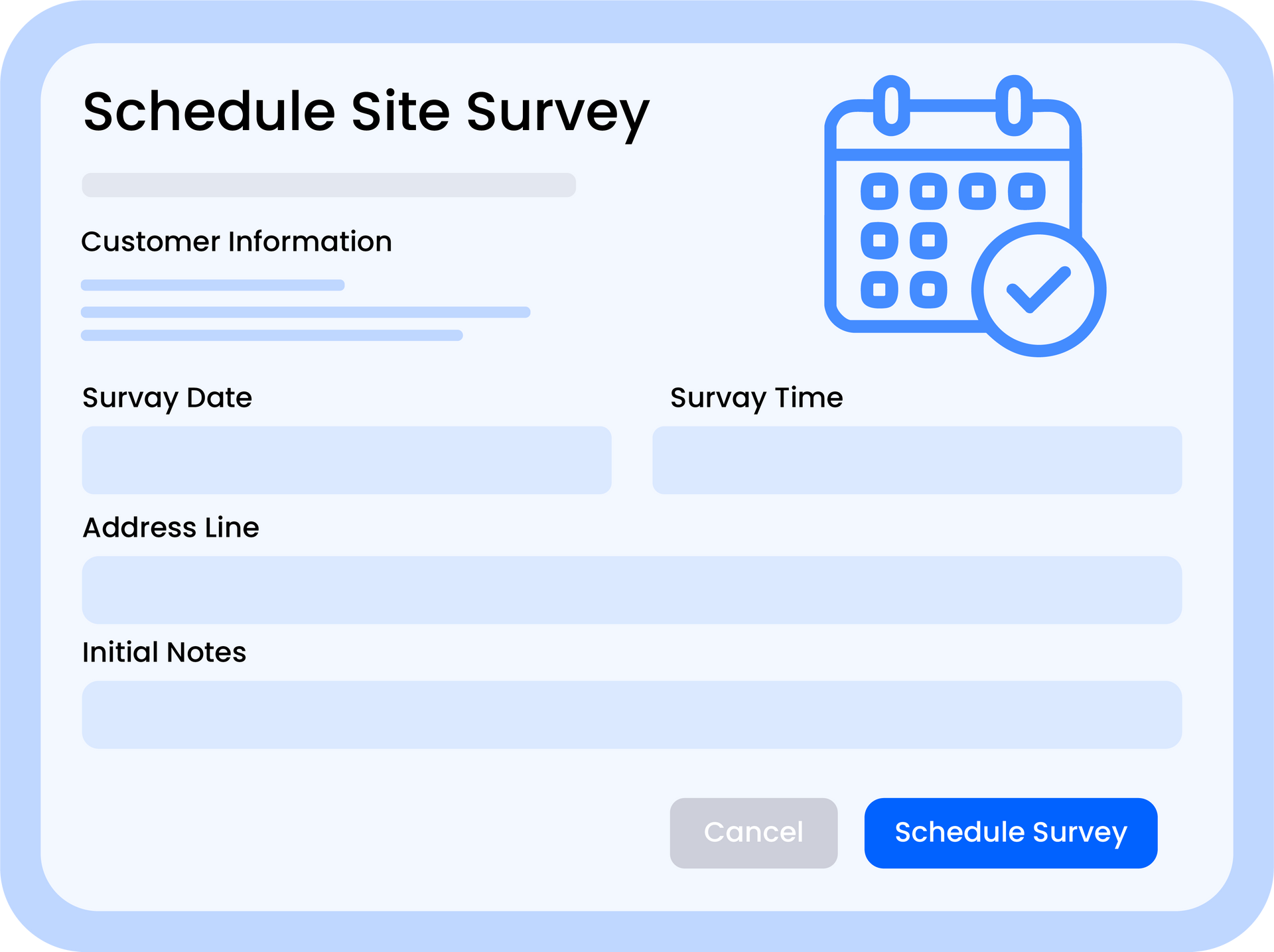
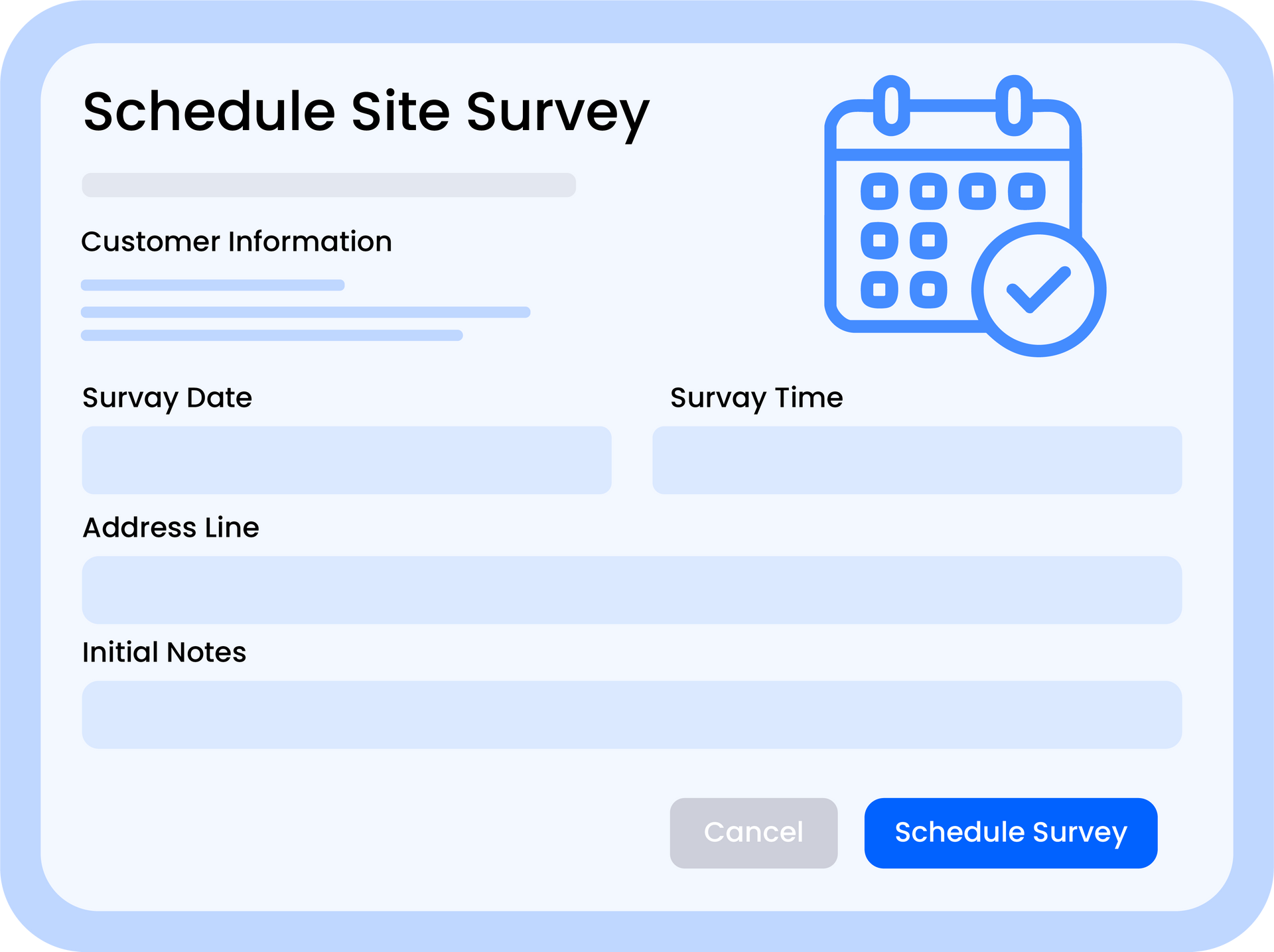
- Can't schedule a survey - make sure the quote has a valid customer email and address. Both are required to book a survey
- Calendar invite not received - check the customer's spam folder. Calendar invites are sent as email attachments
- Wrong time showing - survey times are based on your configured time zone. Check your system settings
Dashboard Not Loading or Showing Old Data
- Hard refresh - press Ctrl+Shift+R (Windows) or Cmd+Shift+R (Mac) to force a full page reload
- Clear browser cache - cached data can sometimes show outdated information
- Check your internet connection - the Dashboard needs an active connection to fetch the latest data
- Try a different browser - if the issue persists, test in Chrome, Firefox, or Edge to rule out browser-specific problems
Widget Not Working on Your Website
- check the embed code - make sure the widget script is correctly pasted into your website's HTML
- Domain not allowed - verify your website domain is listed in the Widget Settings allowed domains
- Widget disabled - check Widget Settings to ensure the widget is active
- HTTPS required - the widget only works on sites served over HTTPS (not plain HTTP)
Important
If none of the above solutions resolve your issue, contact support with a description of the problem and any error messages you're seeing. Include your browser name and version to help us diagnose faster.
Still Stuck?
If you can't find a solution here, check the specific troubleshooting articles for more detailed guidance on Quote Not Generating Correctly, PDF Export Issues, and Login and Authentication Problems. You can also reach out to our support team directly from the Contact Support page.
Did this answer your question?
😃
😐
😞
Great! We’re glad we could help.
Not quite what you needed? Discover more articles here
If you'd like you can ask our team