

Browse Articles. Watch Tutorials. Find Your Answers.
Getting Started
What Quotestack does (and doesn’t), who it’s for, and the full quoting journey from request , quote, survey, update.
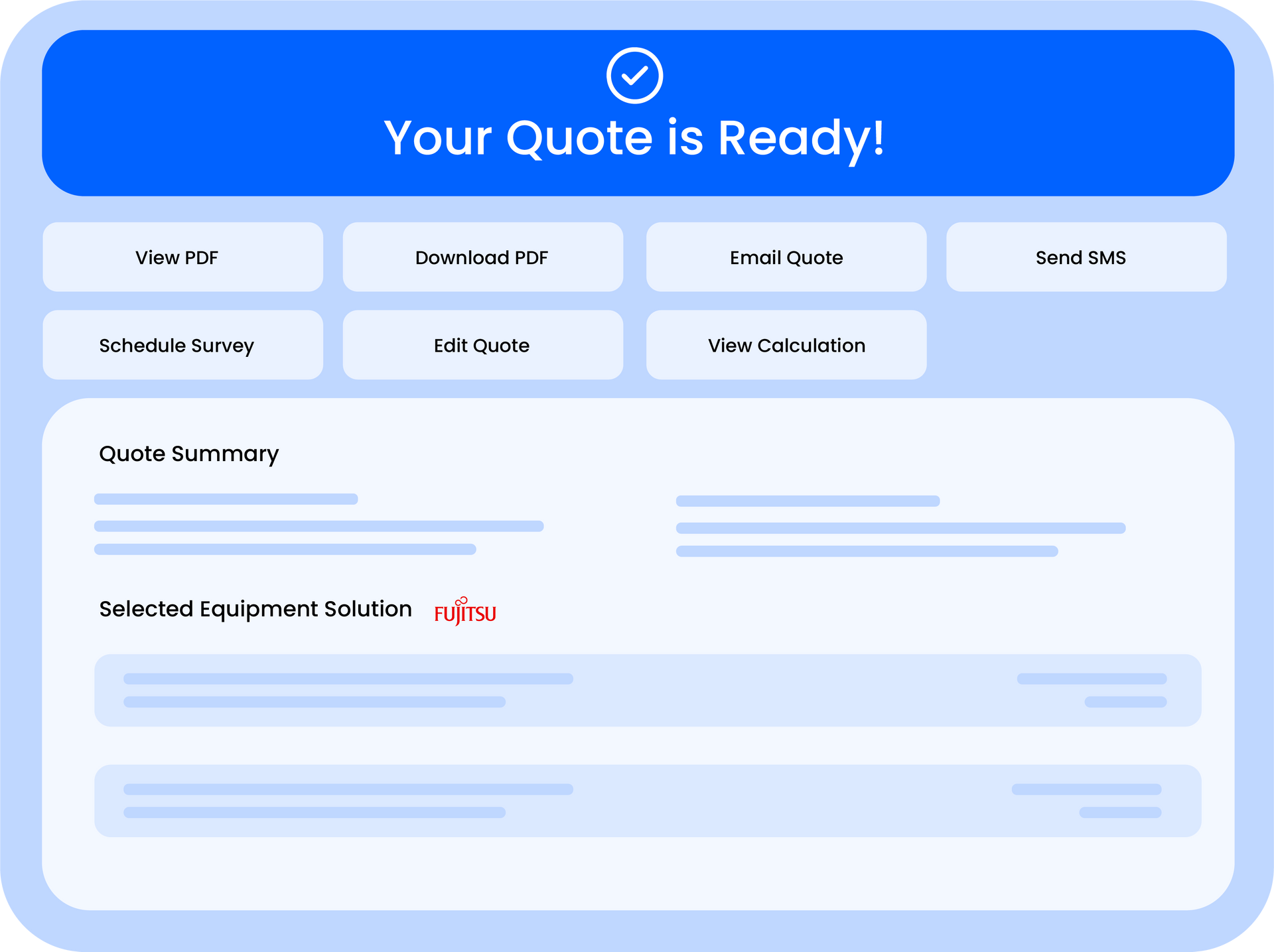
A step-by-step walkthrough to produce your first quote, review the calculation, make edits, and send a customer-ready PDF.
Adding your company details, logo, contact info, and any default wording so your quotes and emails look consistent and professional.
Where to find quotes, customers, and statuses; how to search/filter; and how to quickly locate PDFs and customer profiles.
Quotes & Estimates
How estimates are generated, what “pre-survey” means, how accuracy is handled (especially larger jobs), and where engineers stay in control.
Adding extras, materials, labour adjustments, and custom items-plus how changes affect totals and what appears on the final PDF.
Updating the quote layout, branding, and wording (scope, exclusions, next steps) to improve clarity and conversion.
Sending quotes by email, what customers receive, how to resend/revise, and quick tips to avoid deliverability issues.
Troubleshooting
The fastest checks to try first (inputs, settings, catalogues, browser) and links to the most common issue-specific fixes.
Fixing unexpected equipment choices/totals, checking catalogue coverage and pricing rules, and what to collect if you need support.
Resolving missing/wrong fields, template mismatches, and update-not-showing problems-plus how to regenerate and retest a PDF.
Password resets, email not arriving, access issues, and the most common reasons users get stuck signing in.
Getting Started
What Quotestack does (and doesn’t), who it’s for, and the full quoting journey from request , quote, survey, update.
A step-by-step walkthrough to produce your first quote, review the calculation, make edits, and send a customer-ready PDF.
Adding your company details, logo, contact info, and any default wording so your quotes and emails look consistent and professional.
Where to find quotes, customers, and statuses; how to search/filter; and how to quickly locate PDFs and customer profiles.
Quotes & Estimates
How estimates are generated, what “pre-survey” means, how accuracy is handled (especially larger jobs), and where engineers stay in control.
Adding extras, materials, labour adjustments, and custom items-plus how changes affect totals and what appears on the final PDF.
Updating the quote layout, branding, and wording (scope, exclusions, next steps) to improve clarity and conversion.
Sending quotes by email, what customers receive, how to resend/revise, and quick tips to avoid deliverability issues.
Troubleshooting
The fastest checks to try first (inputs, settings, catalogues, browser) and links to the most common issue-specific fixes.
Fixing unexpected equipment choices/totals, checking catalogue coverage and pricing rules, and what to collect if you need support.
Resolving missing/wrong fields, template mismatches, and update-not-showing problems-plus how to regenerate and retest a PDF.
Password resets, email not arriving, access issues, and the most common reasons users get stuck signing in.
Team Management
Inviting staff, what they receive, onboarding them into the workflow, and best practice for shared responsibilities.
Controlling who can view/edit quotes, access settings, and manage billing—plus recommended permission setups.
Updating roles as responsibilities change, removing users safely, and maintaining clean access over time.
Analytics
What each metric means, how to read your performance at a glance, and what to check weekly to improve results.
Understanding quote-to-survey and survey-to-sale movement, identifying drop-off points, and simple actions to lift conversion.
Creating weekly/monthly summaries, exporting data (if enabled), and sharing useful reporting with your team.
Settings
Controlling who gets notified and when (quote-ready, replies, reminders), and reducing noise without missing important events.
Setting logo/colours and ensuring consistent branding across the widget, emails, and quote PDFs (including common fixes).
Viewing your plan, understanding billing, accessing invoices/receipts (if available), and what happens at renewal or if payment fails.
Team Management
Inviting staff, what they receive, onboarding them into the workflow, and best practice for shared responsibilities.
Controlling who can view/edit quotes, access settings, and manage billing—plus recommended permission setups.
Updating roles as responsibilities change, removing users safely, and maintaining clean access over time.
Analytics
What each metric means, how to read your performance at a glance, and what to check weekly to improve results.
Understanding quote-to-survey and survey-to-sale movement, identifying drop-off points, and simple actions to lift conversion.
Creating weekly/monthly summaries, exporting data (if enabled), and sharing useful reporting with your team.
Settings
Controlling who gets notified and when (quote-ready, replies, reminders), and reducing noise without missing important events.
Setting logo/colours and ensuring consistent branding across the widget, emails, and quote PDFs (including common fixes).
Viewing your plan, understanding billing, accessing invoices/receipts (if available), and what happens at renewal or if payment fails.
Still Need Help?
Our Support Team Is Here For You.
Click below to connect with our support team. We’re here to help you build with confidence.